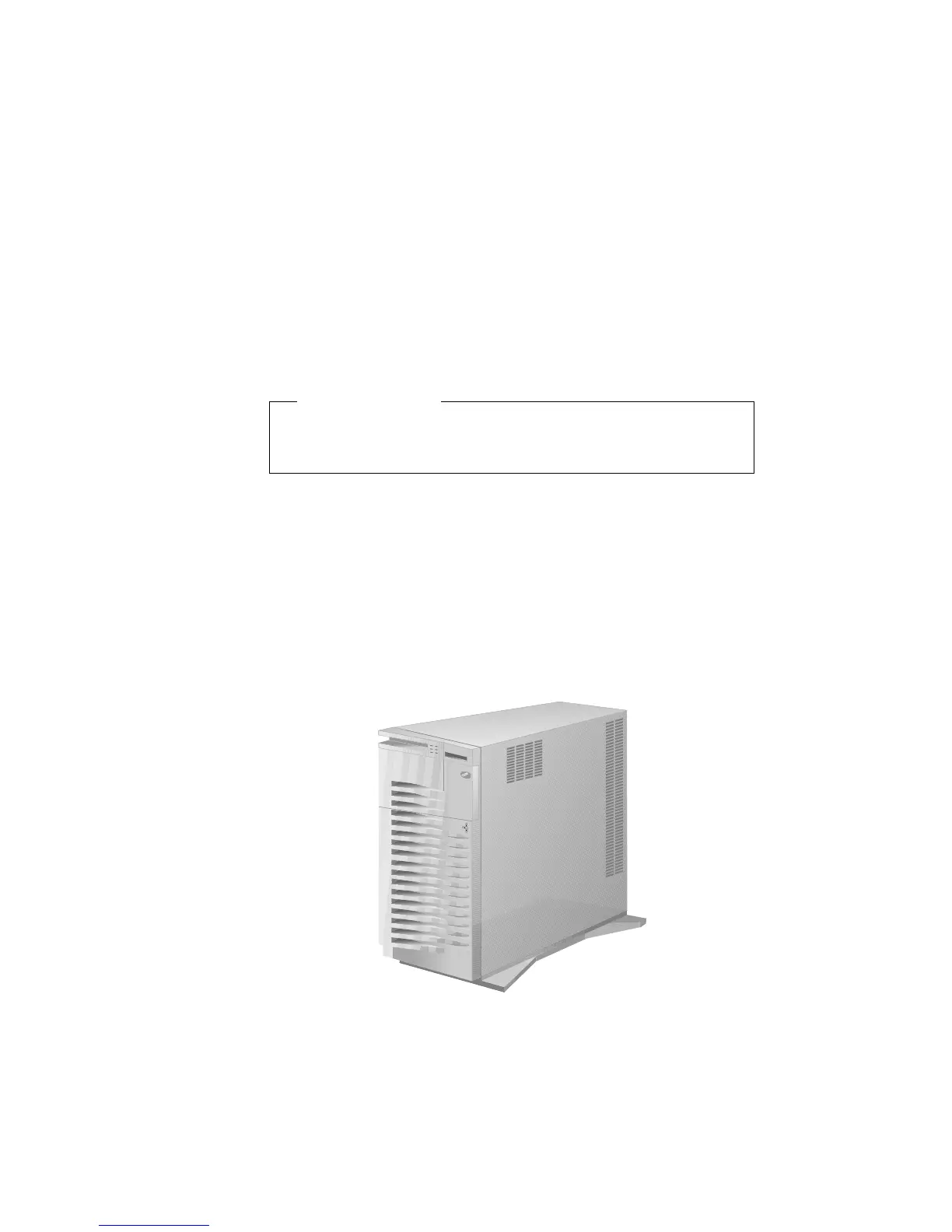
Connecting External Options
Connecting External Options
Before you begin:
Be sure you have read “Electrical Safety” on page 161 and
“Handling Static-Sensitive Devices” on page 162.
To connect external options (printer, scanner, SCSI devices, and so
on) to your PC Server 520, see the documentation that comes with
the options.
Adding a Hot-Swap Storage Expansion Enclosure
The IBM PC Server Enterprise Expansion Enclosure is one of several
SCSI storage enclosures that you can attach to the external SCSI-2
connector on your server. Contact your IBM reseller or IBM
marketing representative for additional information.
Connecting External SCSI Devices
Note: If you plan to install both internal and external SCSI devices,
you must follow the instructions given in “SCSI Drives” on
page 201 in addition to the instructions in this section. Read
“SCSI Drives,” and then return here.
270 PC Server 520 User's Handbook for PCI/EISA








 To Next Page