Device Drivers
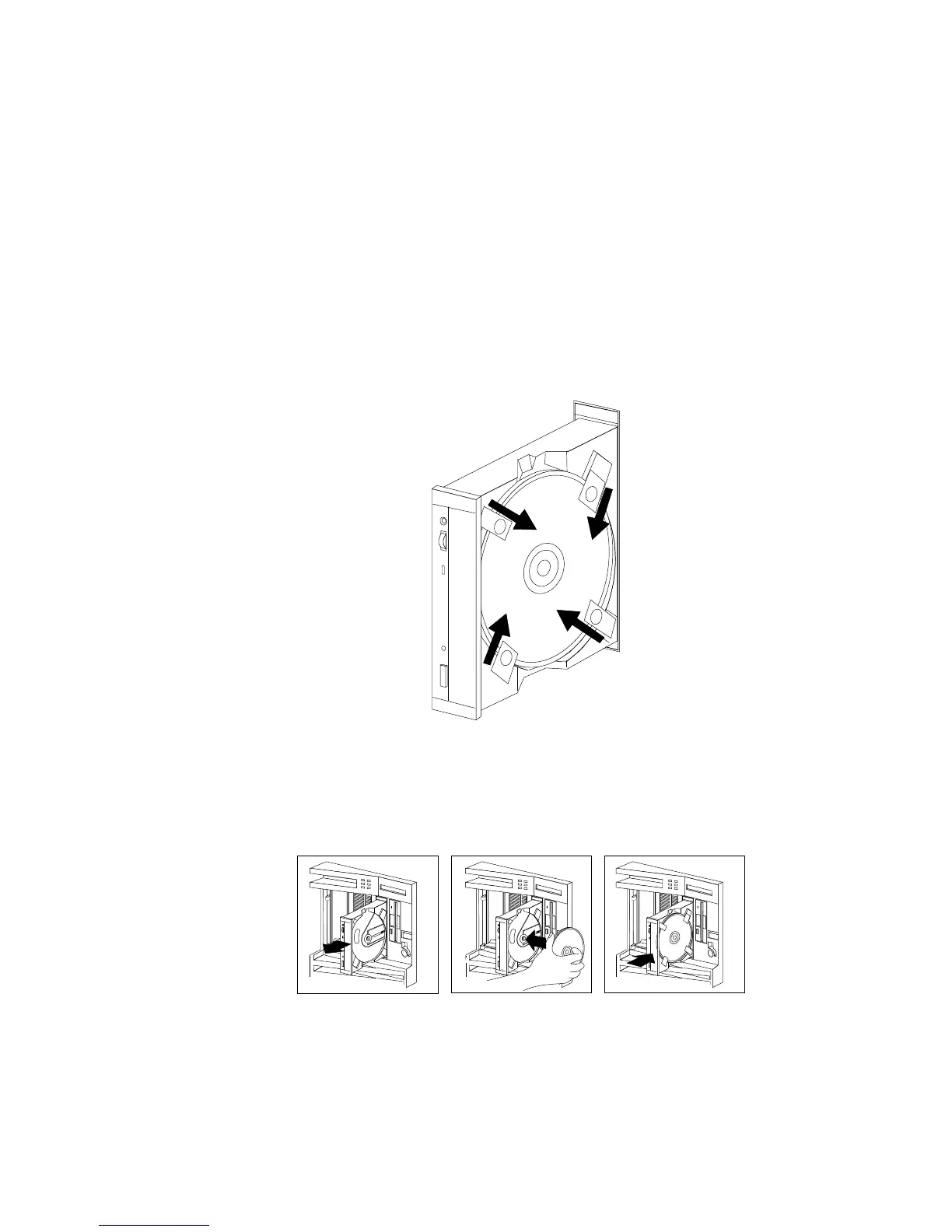
5. Locate the tabs in the corners of the tray.
6. With the label information facing right, center and hold the
ServerGuide Main CD on the tray as shown.
7. Insert a fingertip or a small, blunt object such as the tip of a pen
into the depression on each tab; then, slide the tabs over the CD.
8. Push the CD-ROM tray back into the server.
9. Insert the ServerGuide License Diskette into the diskette drive.
30 PC Server 520 User's Handbook for PCI/EISA








 To Next Page