Installing a Microprocessor
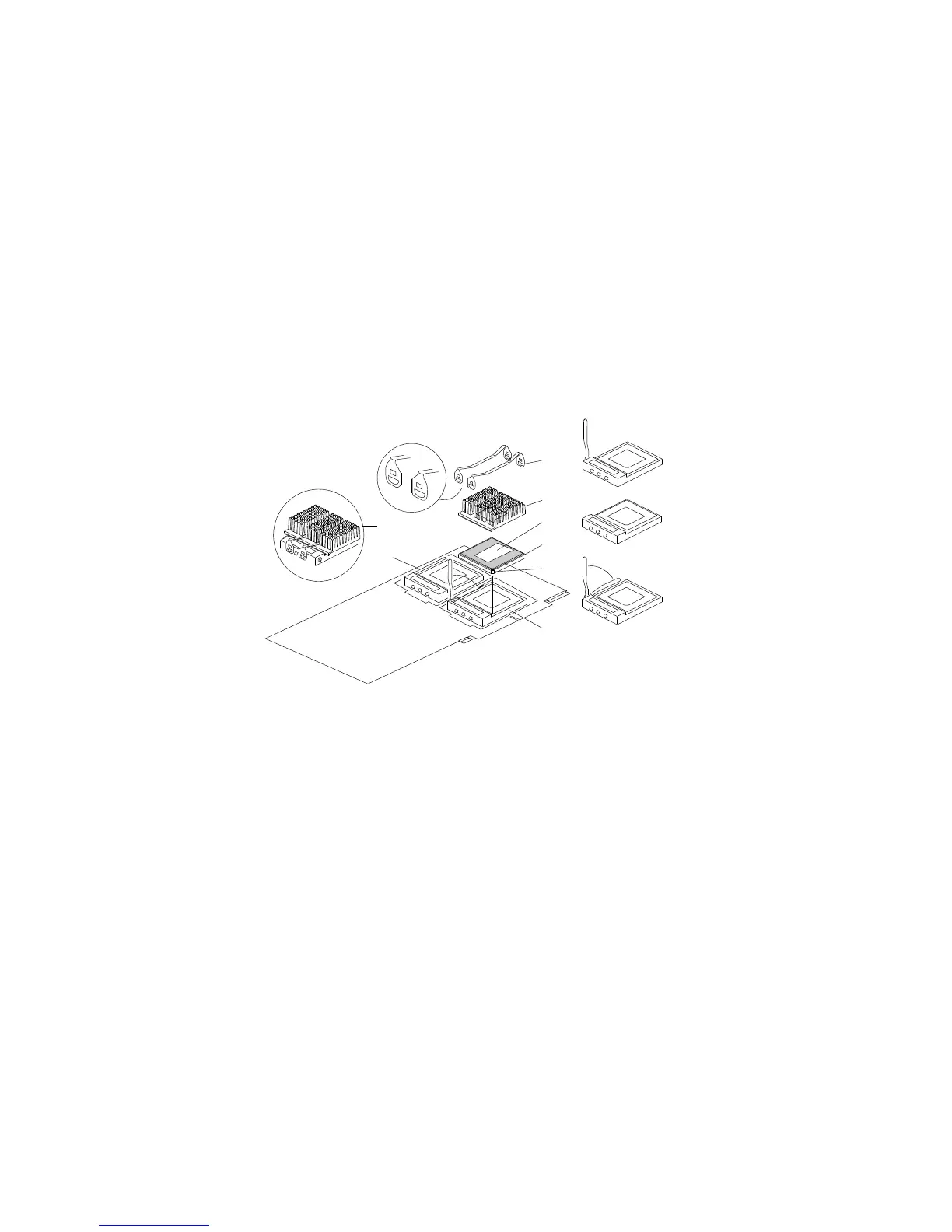
An example microprocessor/heat-sink assembly might contain the
following components:
1
2
3
4
5
6
7
8
.1/ Heat sink retention clips (two)
.2/ Heat sink
.3/ Thermal grease
.4/ Microprocessor
.5/ Pin 1 location
.6/ Lower processor socket, with lever (latch) in open position
.7/ Upper processor socket, empty, with lever in closed, locked
position
.8/ Completed microprocessor/heat-sink assembly
You will work with these components while performing the steps in
this section.
If you want to add a second microprocessor to a processor board,
you must first remove that processor board from its connector on
the system board. To install a microprocessor, do the following
steps:
1. Before you can access the boards inside the server, you must
remove the metal board-support panel that holds them in place.
Chapter 4. Installing Options 89






 To Next Page