Installing a Microprocessor
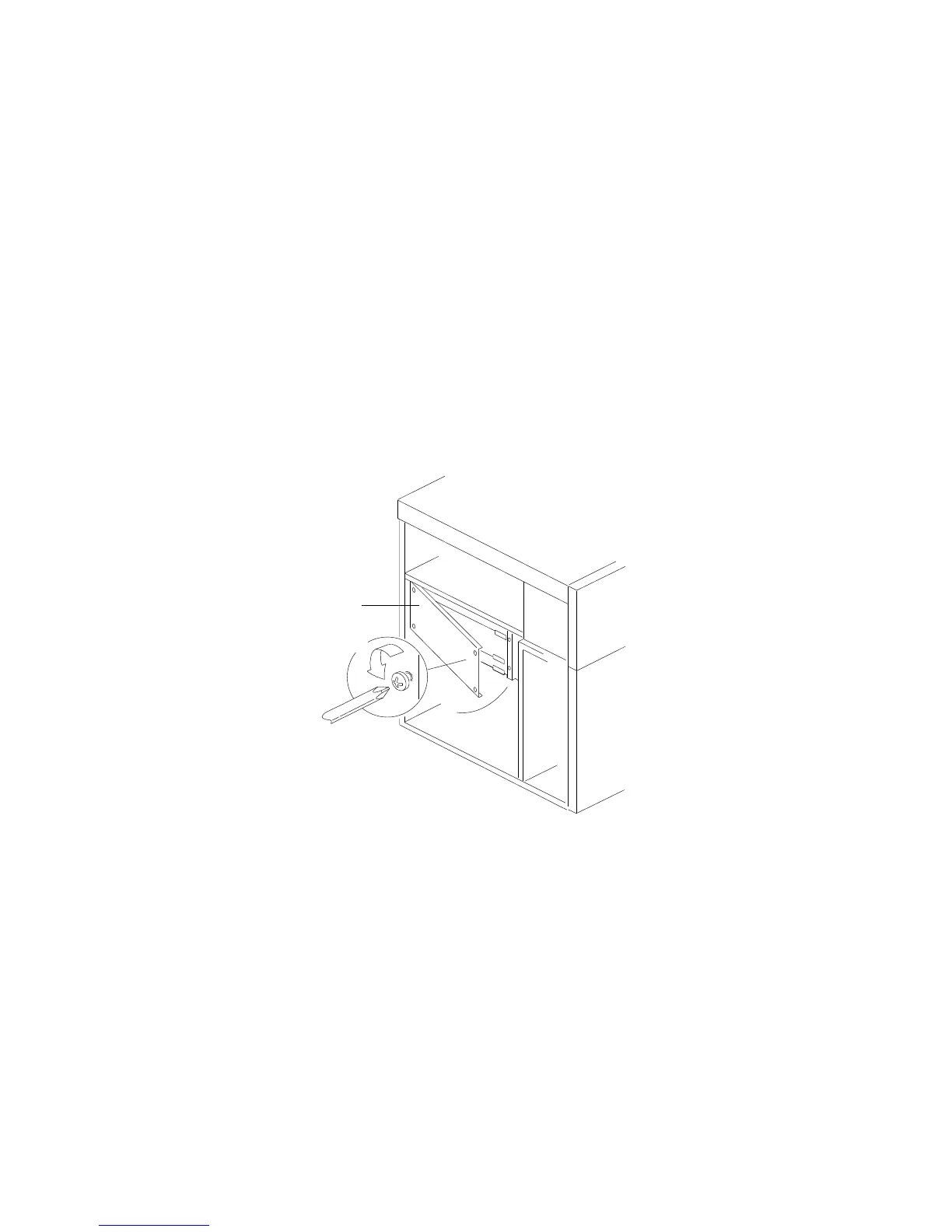
Remove the board-support panel:
a. Remove the left side panel .1/.
b. Remove the four screws .2/ from the right edge of the
board-support panel. Save the screws for later use.
1
2
c. Open the board-support panel.
d. Remove the board-support panel by pulling the back edge
away from the three slots at the back of the chassis.
e. Store the panel until you are ready to reinstall it.
90 PC Server 704 User's Handbook






 To Next Page