Installing a Microprocessor
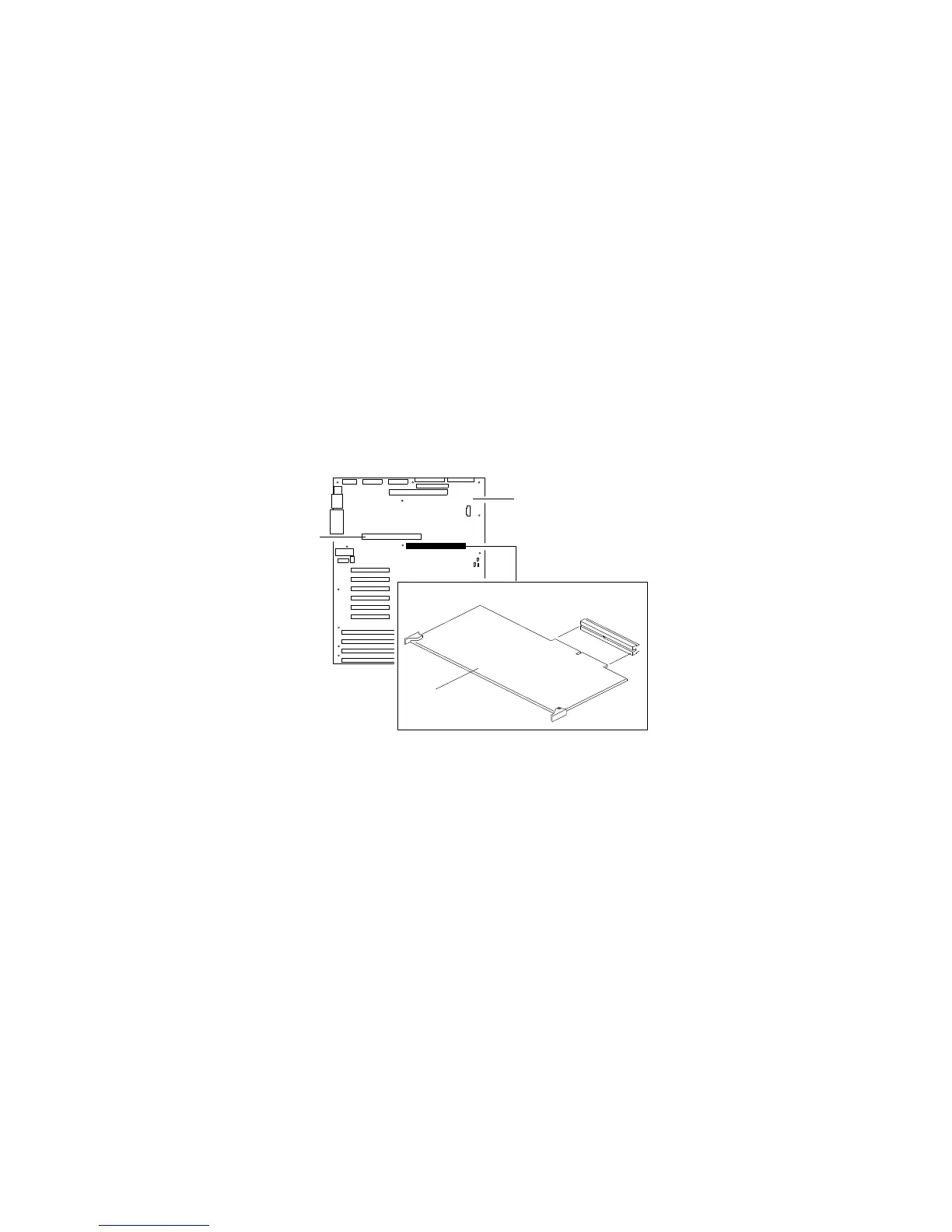
2. Select the processor board that you will remove. Locate the
appropriate processor-board connector (.2/ or .4/) on the
system board .1/. The primary processor-board connector is
located at .2/. The secondary processor-board connector is
located at .4/.
1
2
3
4
3. Disconnect the processor board .3/ from the system board by
rotating the processor-board corner handles outward to a
90-degree angle from the processor board.
4. Grasp the processor-board corner handles and carefully slide the
processor board out of the slot.
Note: Avoid touching the components and gold-edge
connectors on the processor board.
5. Place the processor board on a flat, static-protective surface.
Chapter 4. Installing Options 91






 To Next Page