Installing Internal Drives
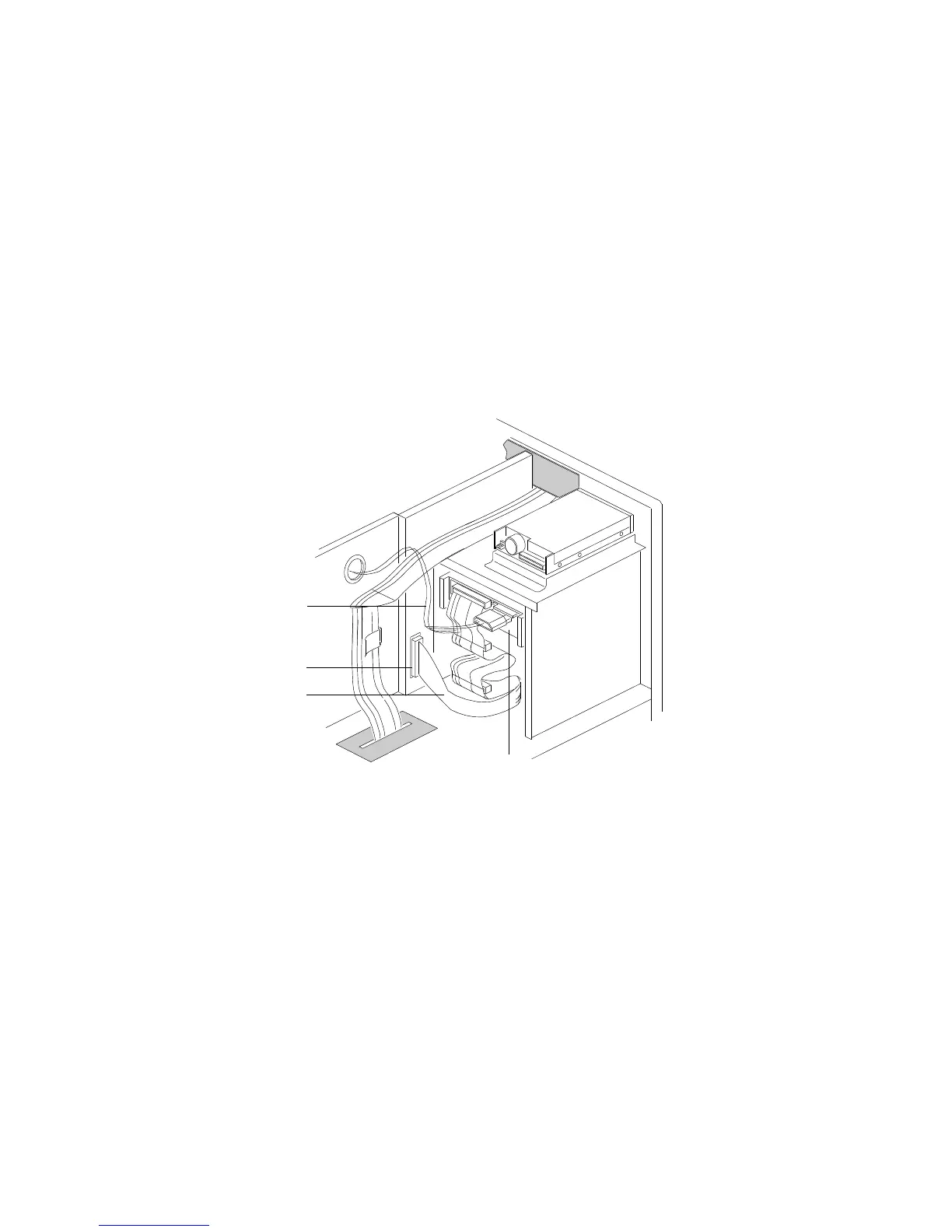
11. Route the cables for your 5.25-inch drive as shown in the
following example illustration.
1
4
3
2
.1/ Power cable
.2/ Connector J8 on upper SCSI backplane
.3/ Narrow SCSI cable
.4/ Removable-media drive at end of narrow SCSI cable
Chapter 4. Installing Options 171






 To Next Page