Installing Internal Drives
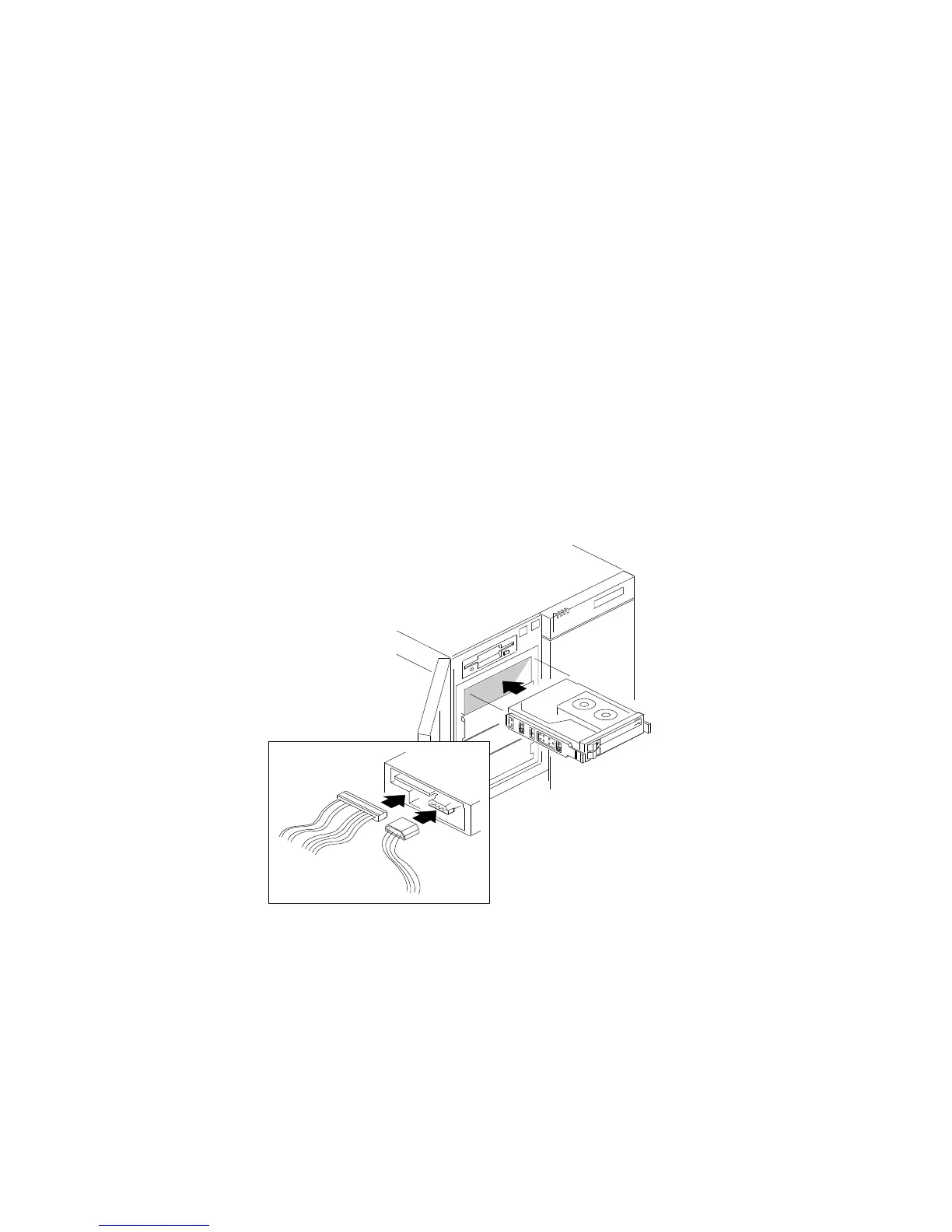
9. Connect a signal cable .1/ to the back of the drive. If a narrow
SCSI cable is already connected to devices in the 5.25-inch drive
bays, add your drive to the cable. Otherwise, install a standard
50-pin ribbon cable: connect this cable to connector J8 (on the
lower backplane for the 5.25-inch drive bays) and to the drive.
10. Connect a power cable .2/ to the back of the drive. Power
cables for removable-media drives come with your server. The
connectors are keyed and can be inserted only one way.
1
2
170 PC Server 704 User's Handbook






 To Next Page