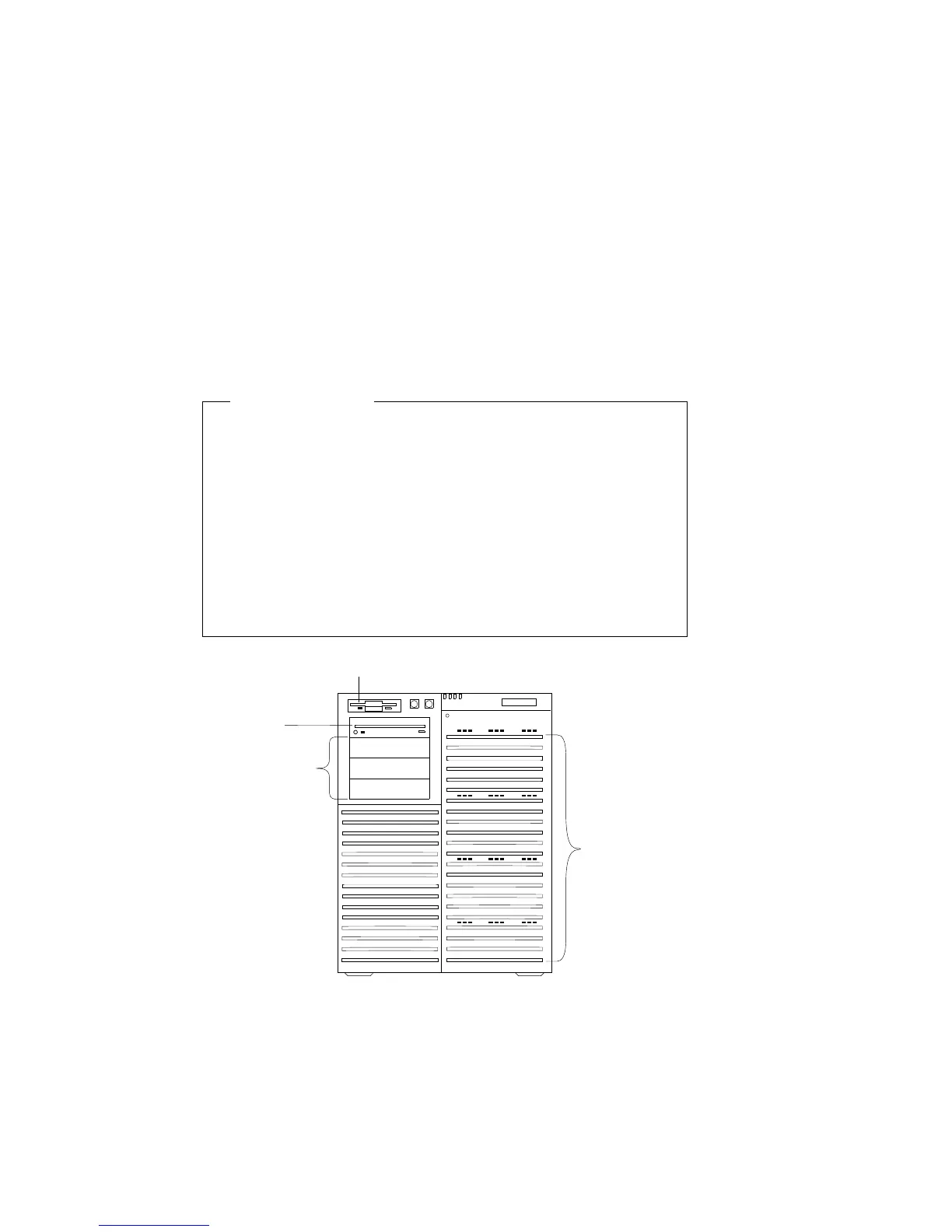
Removing Internal Drives
Removing Internal Drives
Before you begin:
Be sure you have:
Read “Electrical Safety” on page 75 and “Handling
Static-Sensitive Devices” on page 77 (or your safety booklet).
Removed the front and side covers (see “Preparing to Install
Options” on page 78).
Determined the correct location of a failed hard disk drive, if
your server is a disk-array model, and your system indicates
that a drive is defective (hot-swap drives only). See
“Removing a Hot-Swap Drive” on page 188 for details.
12 Hot
Swap Bays
Open Bays
Diskette Drive
CD-ROM
Drive
To remove a drive from the upper-left front bays, go to “Removing
a 5.25-Inch Removable-Media Drive” on page 181.
To remove a drive from the hot-swap bays, go to “Removing a
Hot-Swap Drive” on page 188.
180 PC Server 704 User's Handbook






 To Next Page