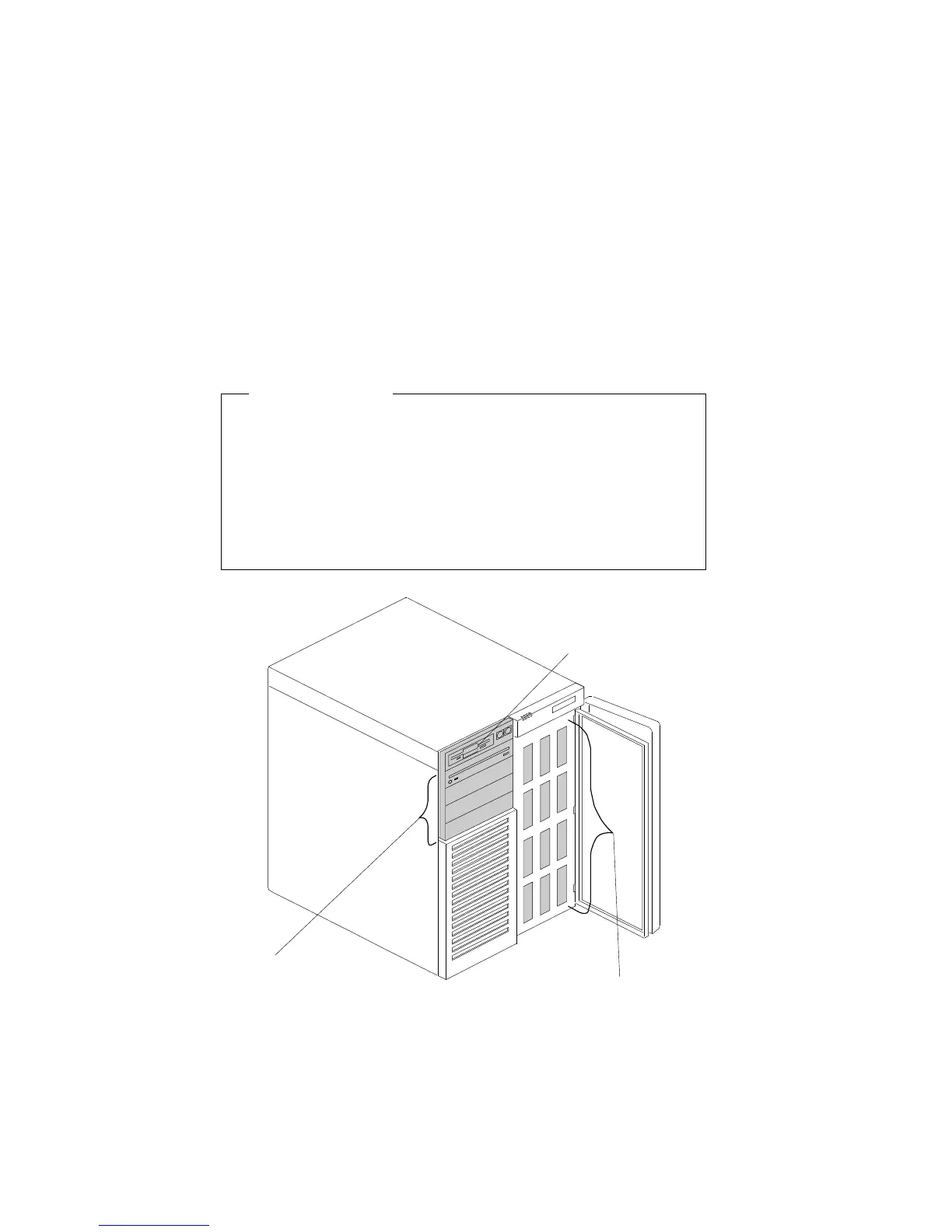
Removing Internal Drives
Removing a 5.25-Inch Removable-Media Drive
Before you begin:
Be sure you have:
Removed the server left side cover
Unlocked and opened the short bay door
Prepared the drive for installation (see “Preparing to Install
Options” on page 78 and “Preinstallation Steps (All Bays)”
on page 163).
Removable Media
Bays
Hot Swap Bays
Diskette Drive Bay
Chapter 4. Installing Options 181






 To Next Page