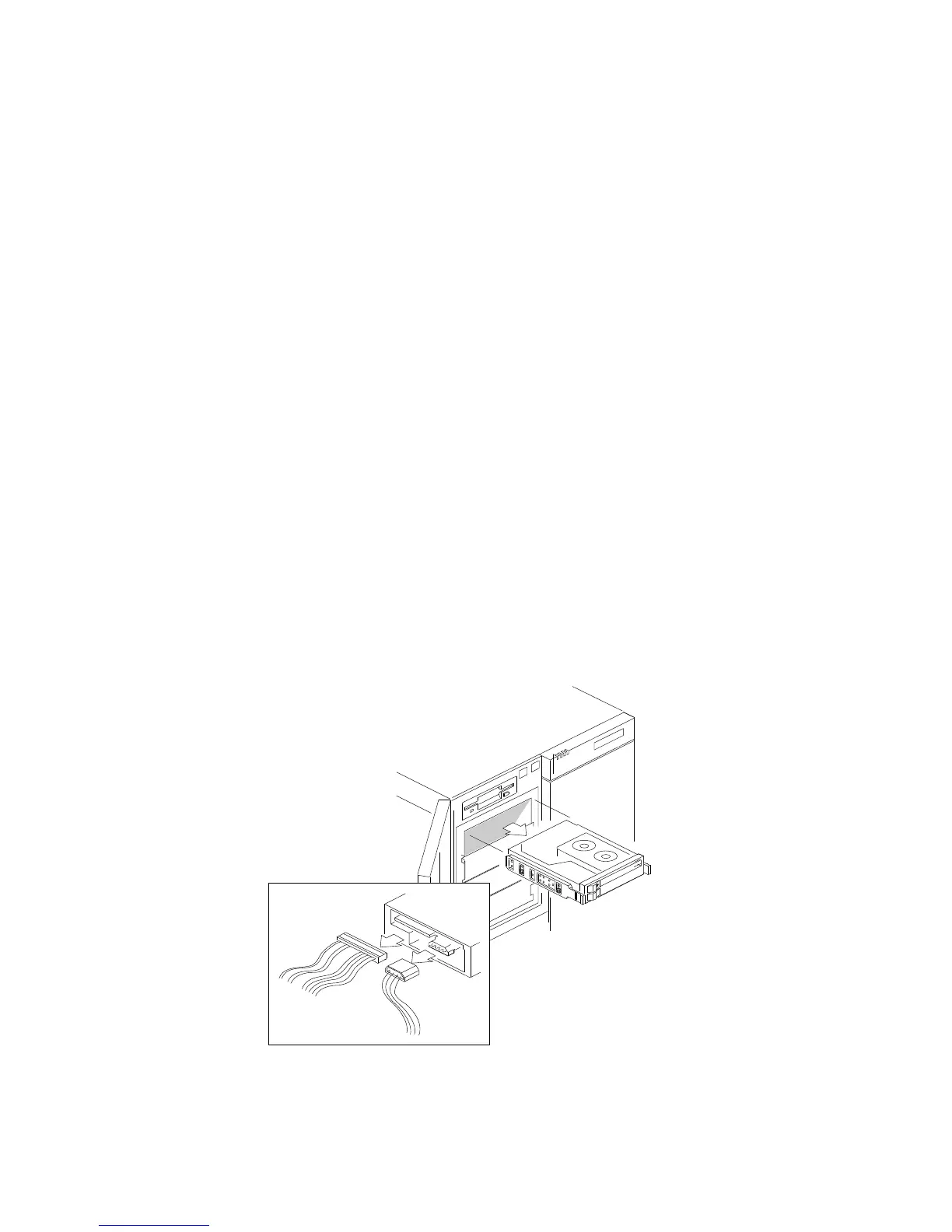
Removing Internal Drives
Notes:
1. Installing hard disk drives in these bays is not recommended.
The hard disk drives generate EMI. In addition, hard disk
drives in these bays are more susceptible to ESD.
2. System EMI integrity and cooling are both protected by having
drives installed in the bays or filler panels and EMI shields
covering the bays. When you install a drive, save the panel and
shield.
To remove a removable-media drive from the upper-left front bays,
do the following steps:
1. Identify the drive that you plan to remove.
2. Disconnect the signal .1/ and power .2/ cables from the back of
the drive.
1
2
182 PC Server 704 User's Handbook






 To Next Page