Removing Internal Drives
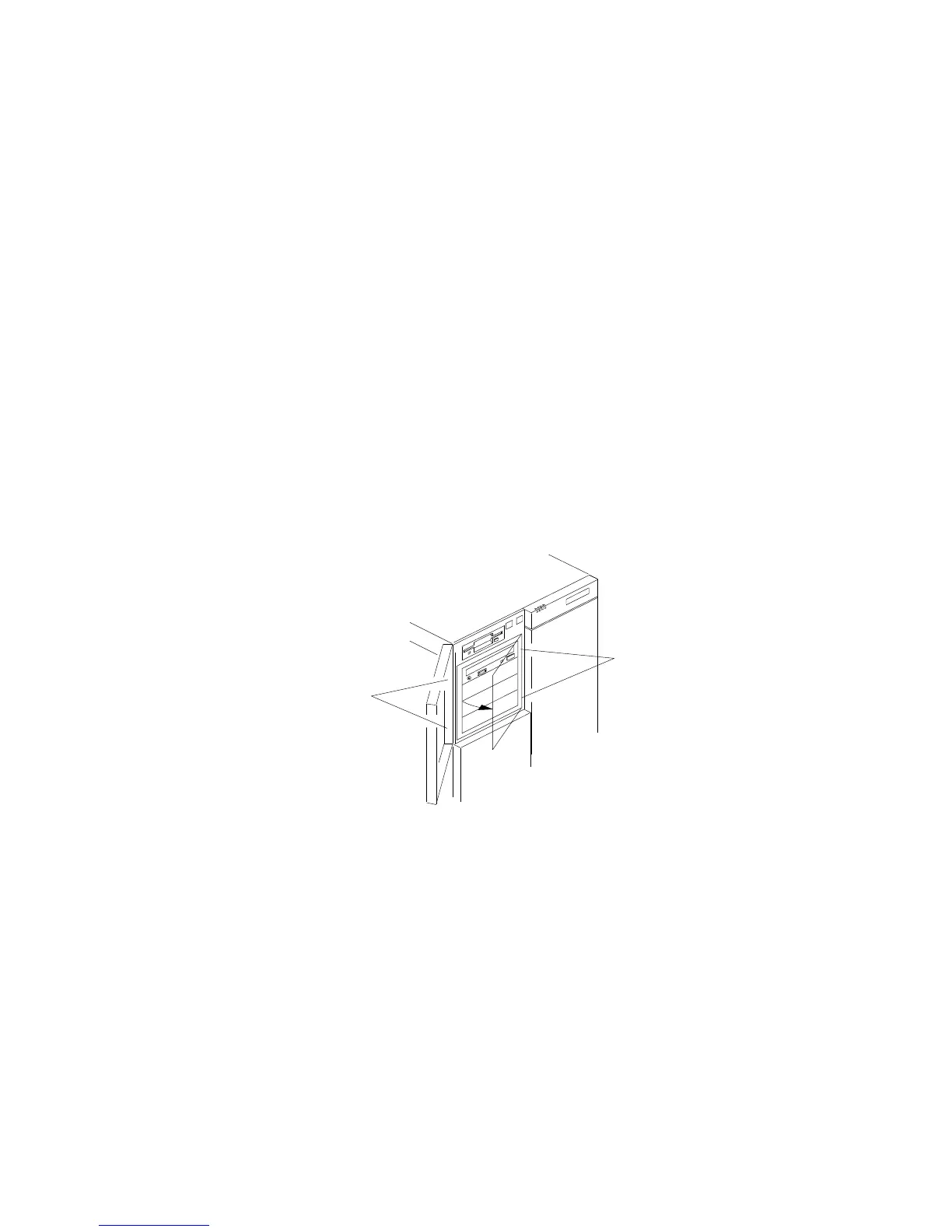
3. Remove the panel frame:
a. Press the two panel frame release tabs, located between the
front edge of the cardcage and the metal flange (the tab
locations are pinpointed but not shown at .1/ in the
following figure).
b. Swing the frame out to the right; then, remove it from the
chassis by disengaging the hinge tabs at the right edge of
the frame (at .2/ in the following figure).
1
2
c. Place the filler panel frame face down on a soft surface to
prevent marring the front of the frame unit.
4. Press the ends of the snap-in slide rails toward the drive until
they release the bay guide rails.
5. Slide the drive out the front of the bay, and place it on a
static-protective surface.
6. Remove the two screws that hold the grounding clip and each
of the plastic snap-in slide rails to the side of the drive.
Chapter 4. Installing Options 183






 To Next Page