Removing Internal Drives
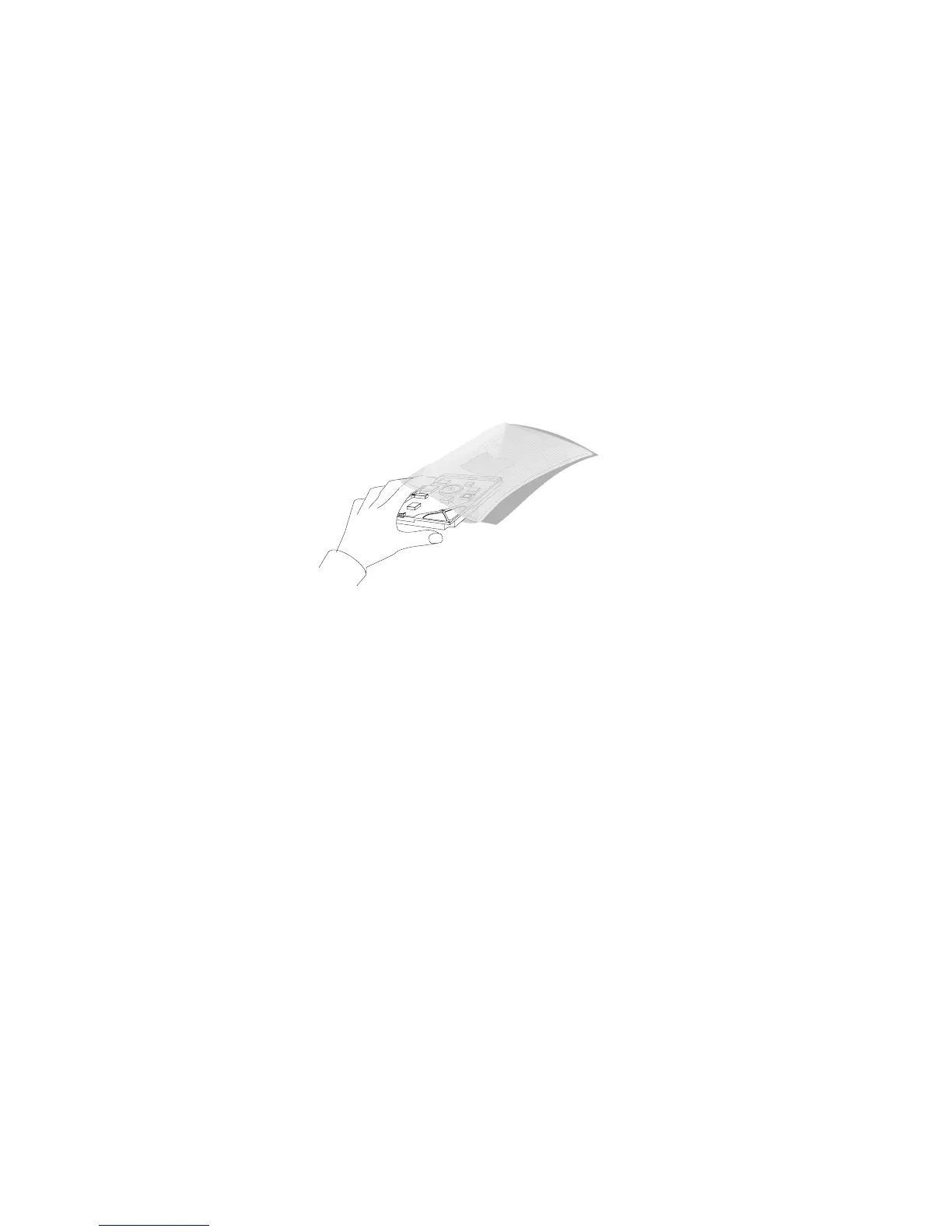
7. Place the drive in a static-protective bag and store it in a safe
place.
Static
Devices
8. If you are not reinstalling the same or another drive, install a
metal EMI shield to cover the empty bay:
a. On the right edge of the shield, engage the single tab in the
chassis slot. Make sure that the upper and lower tabs lie
flat against the outside of the chassis.
b. Push in the left side of the shield until the tabs snap into
place.
184 PC Server 704 User's Handbook






 To Next Page