Installing the Side Covers
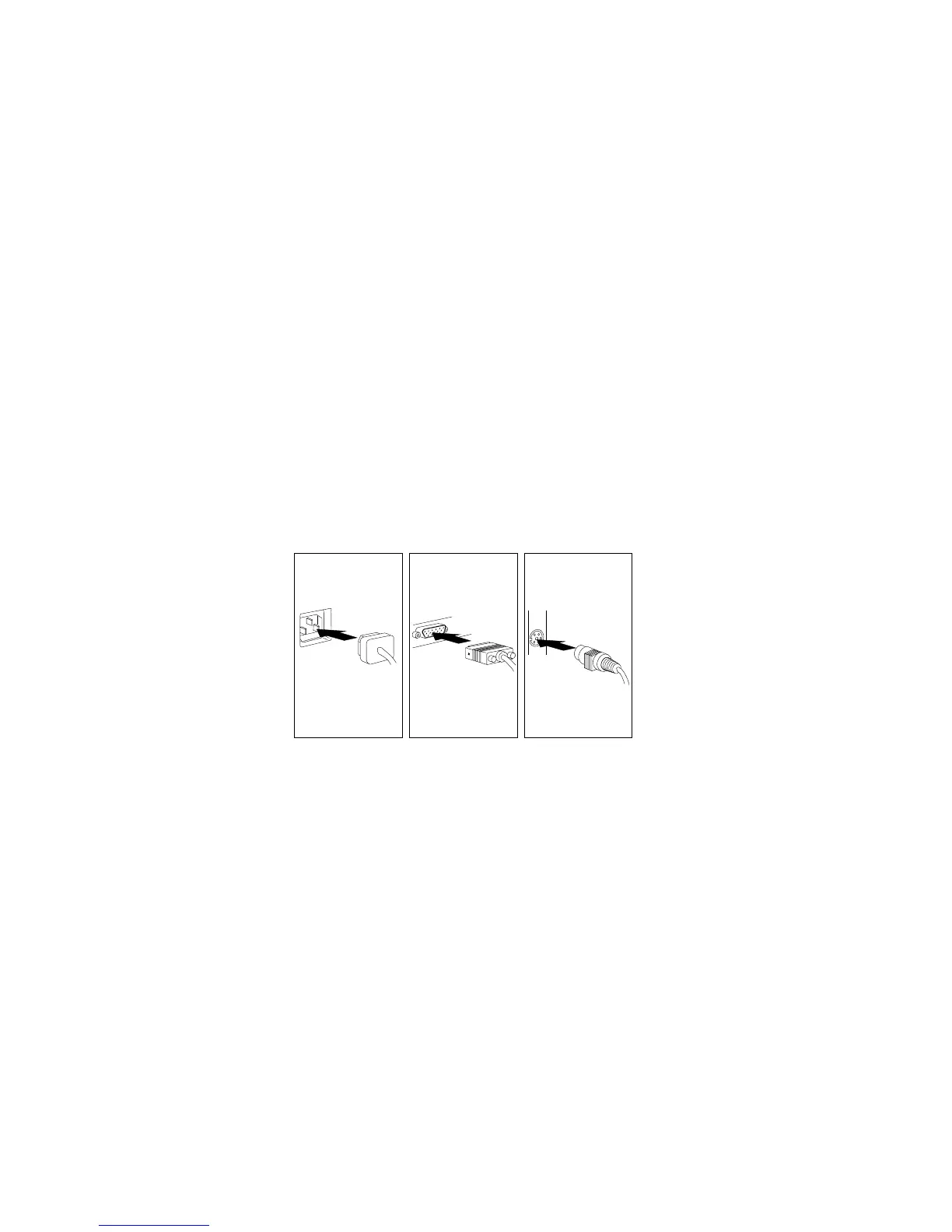
7. Connect all cables to the back of the server; then, plug all power
cords into properly grounded electrical outlets.
Notes:
a. If you are in the United Kingdom and have a modem or fax
machine attached to your server, reconnect the telephone
line after you plug in the power cords.
b. If necessary, you can refer to the system-board layout in
“The System Board” on page 288 for connector locations.
Chapter 4. Installing Options 205






 To Next Page