Preparing to Install Options
2. Remove all media (diskettes, CDs, optical discs, or tapes) from
the drives; then, turn off the server and all attached options.
3
CAUTION:
The convex On/Off button on the front of the server
does not turn off the electrical current supplied to the
server. To remove all electrical current from the server,
you must unplug all server and power supply power
cords from the wall outlets.
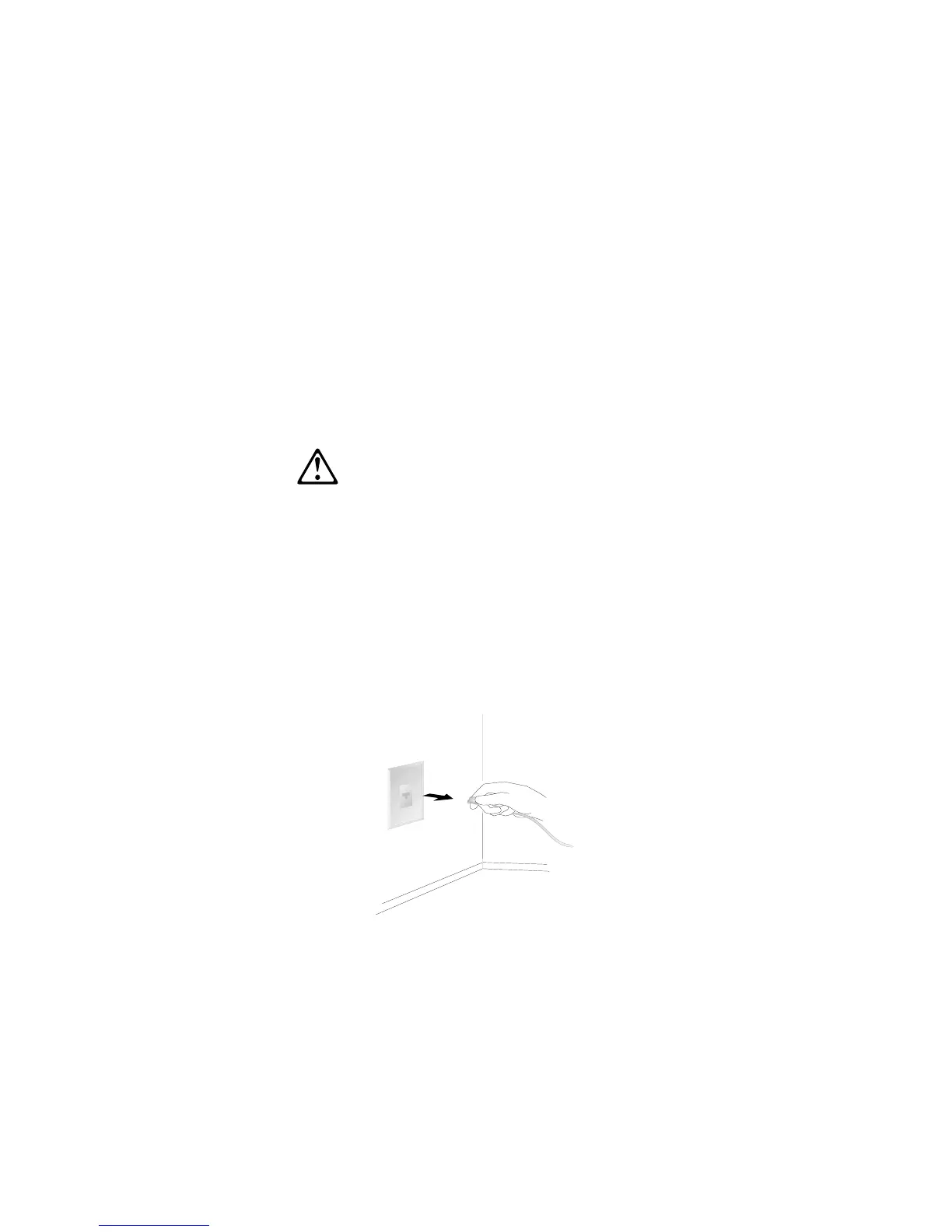
3. If you have a modem or fax machine attached to the server,
disconnect the telephone line from the wall outlet.
Chapter 4. Installing Options 79






 To Next Page