Preparing to Install Options
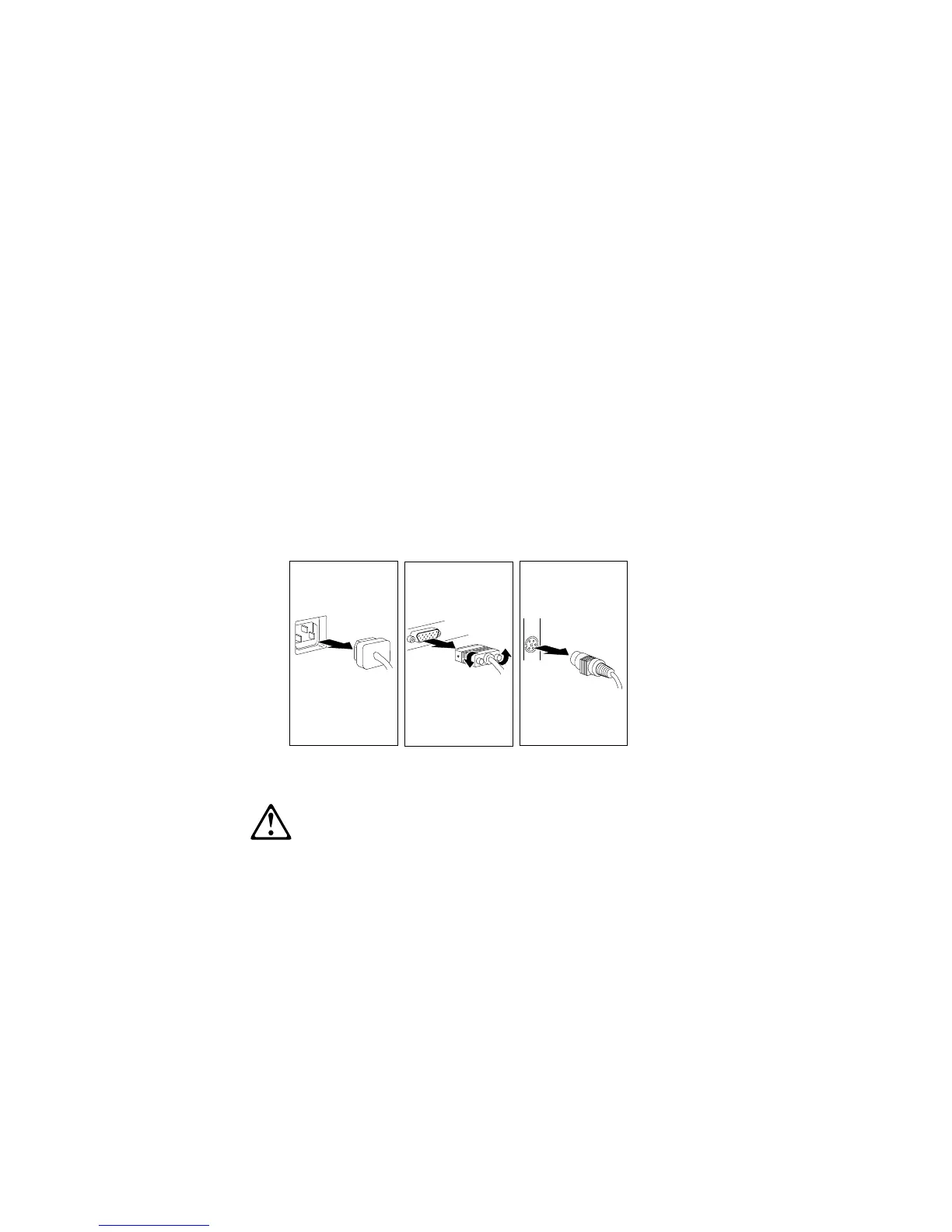
4. Unplug all power cords (cables) from electrical outlets.
Note the locations of the following; then, disconnect them from
the back of the server:
Power cords
Monitor cable
Keyboard cable
Any other cables and cords
2
CAUTION:
Electrical current from power, telephone, and
communication cables can be hazardous. To avoid personal
injury or equipment damage, disconnect the attached power
cords, telecommunications systems, networks, and modems
before you open the server covers.
80 PC Server 704 User's Handbook






 To Next Page