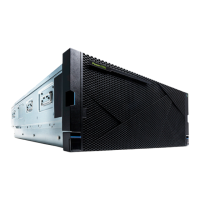
7. Attach the wrist strap.
Attention:
v Attach a wrist strap to an unpainted metal surface of your hardware to prevent electrostatic
discharge (ESD) from damaging your hardware.
v When using a wrist strap, follow all electrical safety procedures. A wrist strap is for static control. It
does not increase or decrease your risk of receiving electric shock when using or working on
electrical equipment.
v If you do not have a wrist strap, just prior to removing the product from ESD packaging and
installing or replacing hardware, touch an unpainted metal surface of the system for a minimum of
5 seconds.
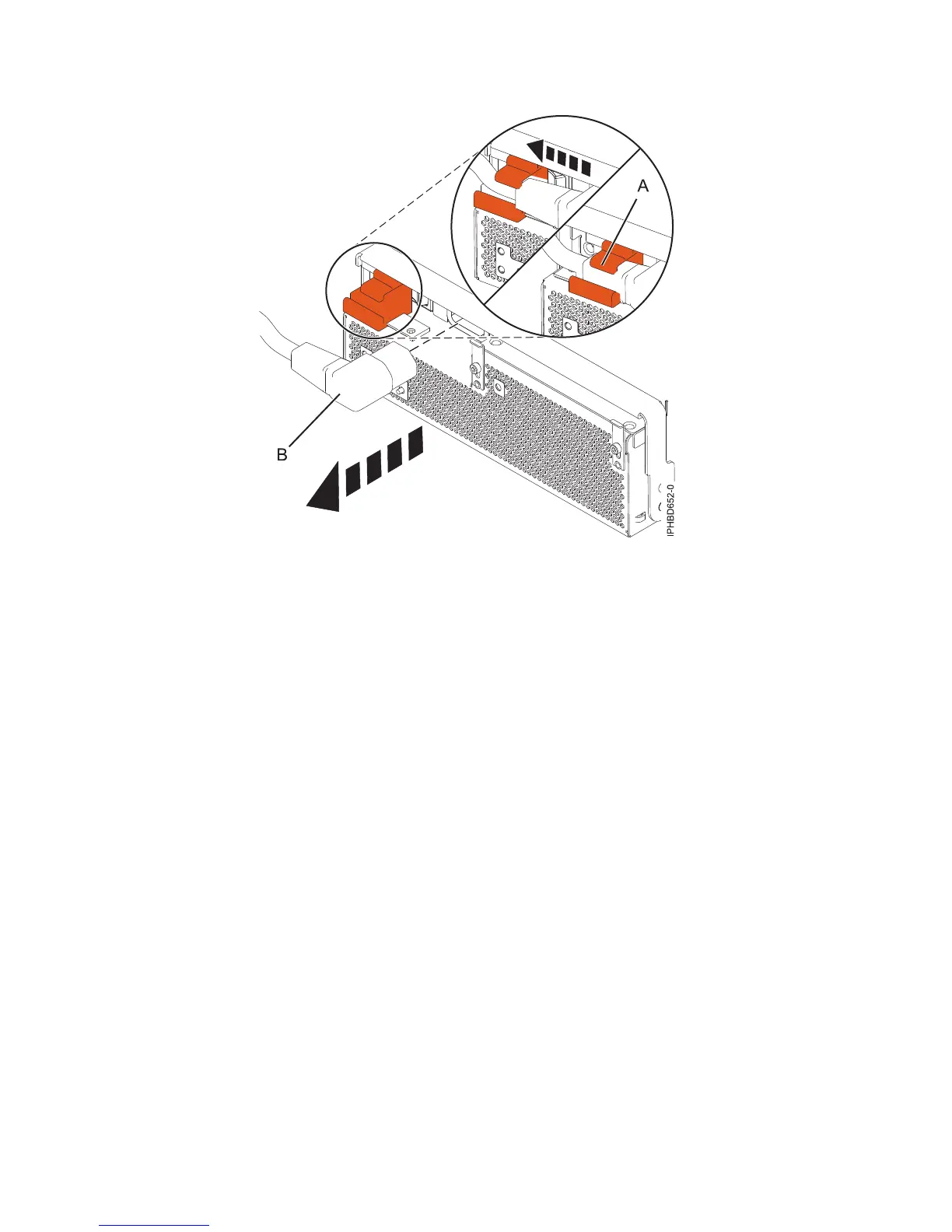
8. Rotate the power supply locking handle (A) to the open position, as shown in Figure 14 on page 15.
Pull out the power supply from the expansion unit.
Figure 13. Disconnecting the power cable from the front of an expansion unit
14 Power Systems: Power supplies for the 9117-MMB, 9117-MMC, 9179-MHB, or 9179-MHC


 To Next Page
 Loading...