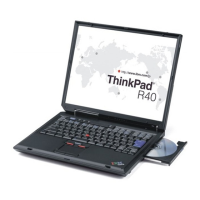
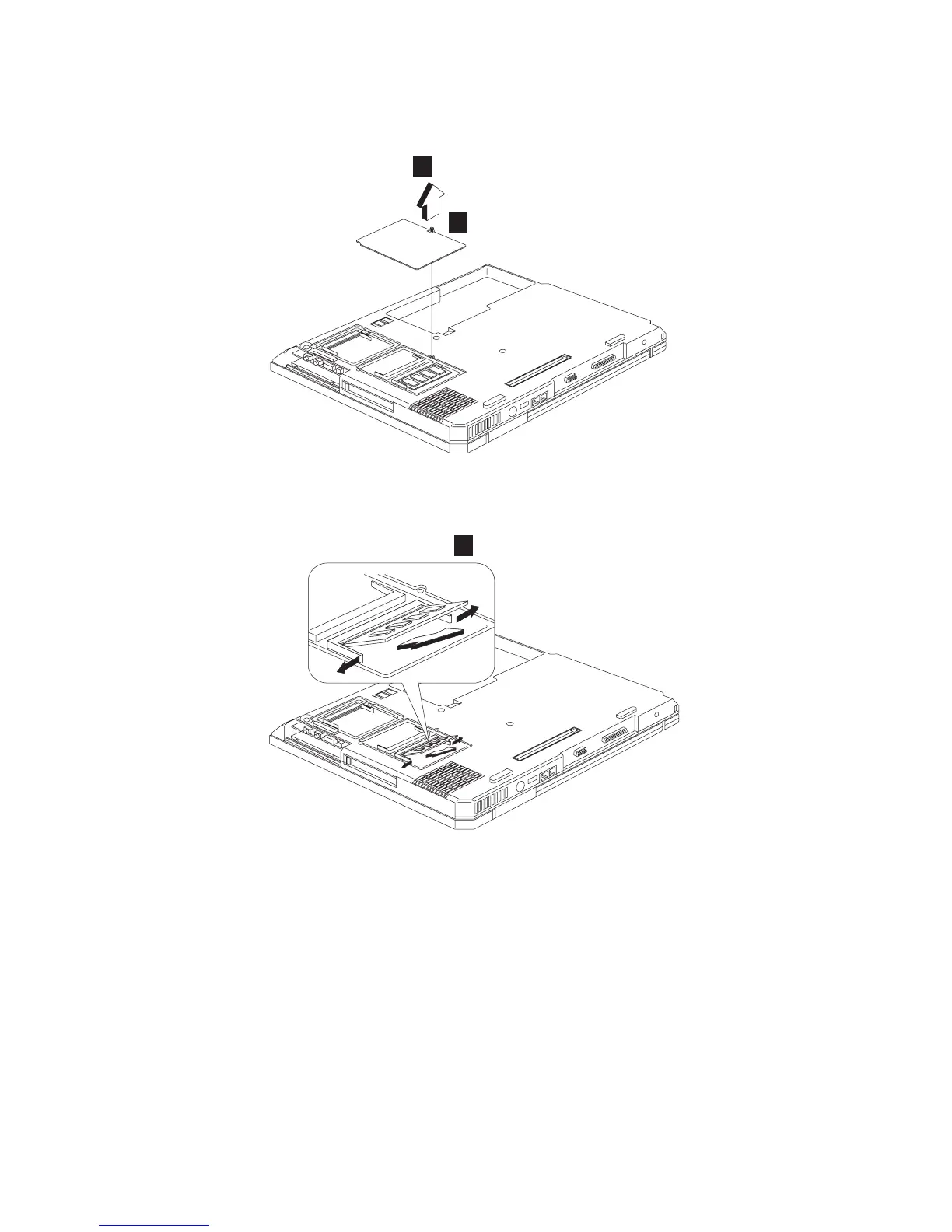
1030 Memory cover and Memory card
v “1010 Battery assembly” on page 111
1
2
Note: The screw does not separate from the memory
cover.
3
To install the memory card:
With the notched end of the memory card toward the right
side of the socket, insert the memory card, at an angle of
approximately 20°, into the socket; then press it firmly.
MT 2656, 2657, 2676
113


 To Next Page
 Loading...