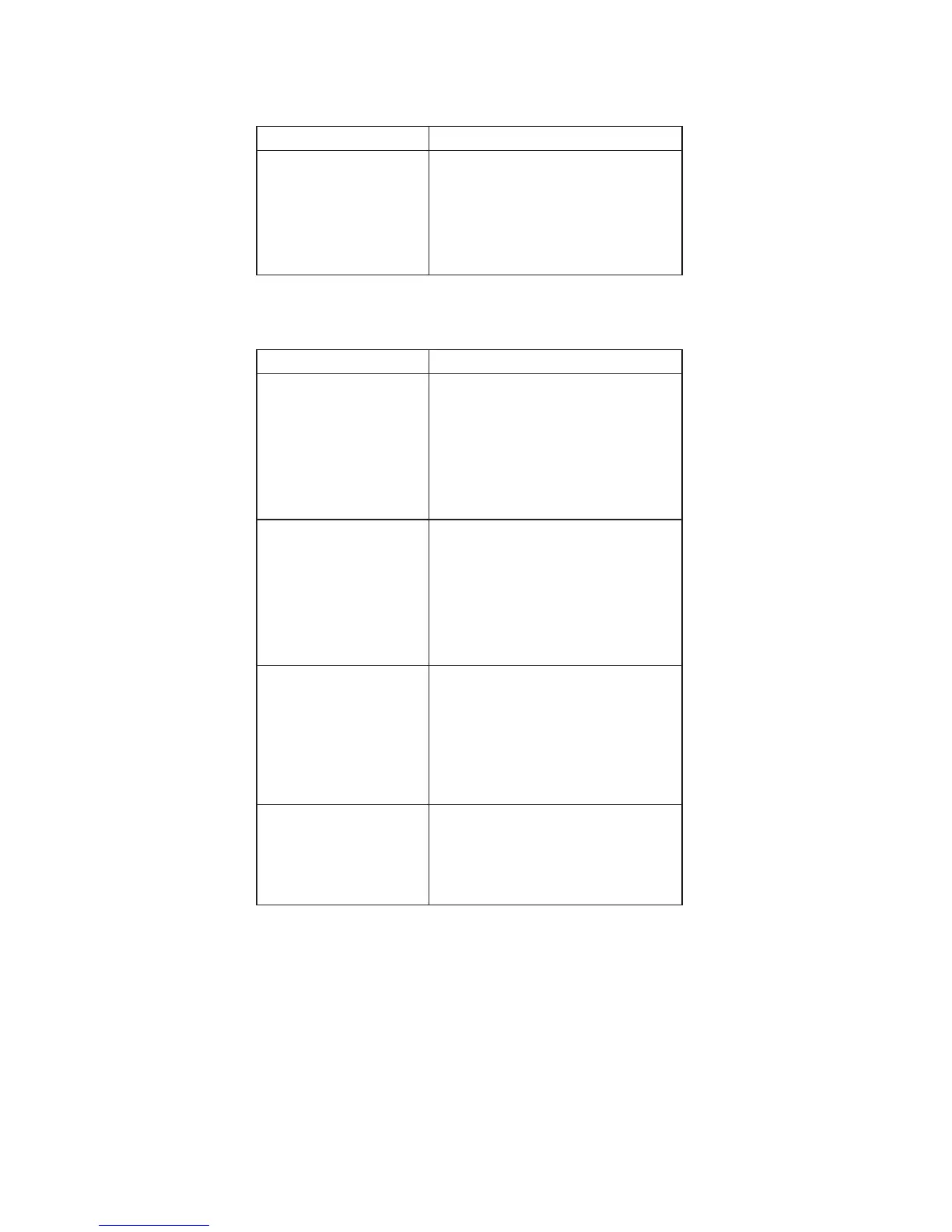
Indicator-Related Symptoms
Symptom/Error FRU/Action in Sequence
Indicator incorrectly
remains off or on, but
system runs correctly.
v Reseat Inveter/LED board
(13.3″/14.1″)
v Inveter/LED board (13.3″/14.1″)
v System board
v Coaxial cable
Power-Related Symptoms
Symptom/Error FRU/Action in Sequence
Power shuts down during
operation.
v Go to “Power systems checkout” on
page 34.
v AC Adapter
v Battery assembly
v Keyboard
v System board
The system doesn’t
power on.
v Go to “Power systems checkout” on
page 34.
v AC Adapter
v Battery assembly
v Keyboard
v System board
The system doesn’t
power off.
v Go to “Power systems checkout” on
page 34.
v Hold and press the power switch
for more than 4 seconds.
v Keyboard
v System board
Battery can’t be charged.
v Go to “Power systems checkout” on
page 34.
v Battery assembly
v System board
48 ThinkPad R30/R31 HMM




 To Next Page