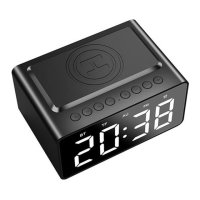
2. How to use
2.1 General Functions
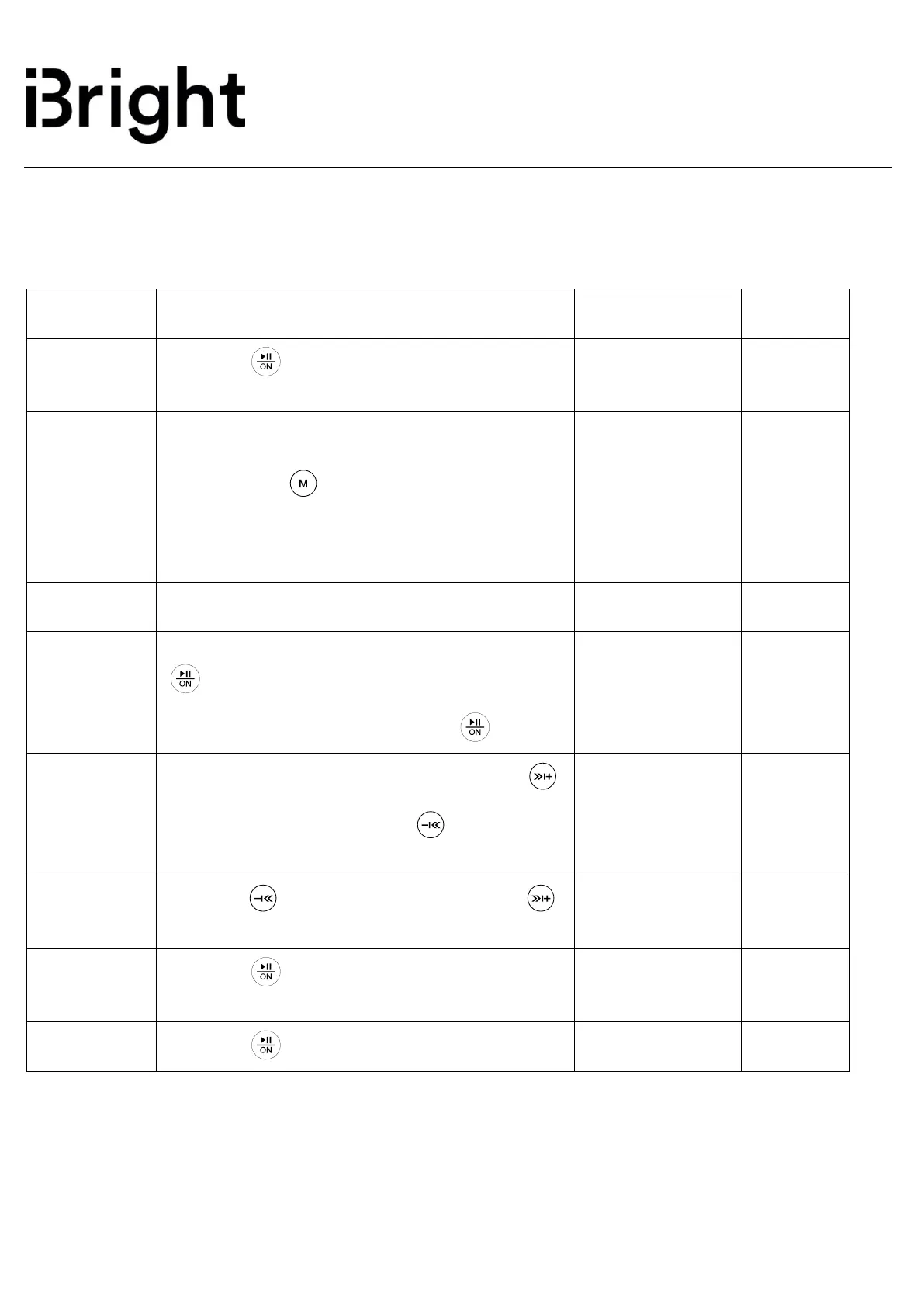
Press the “ ” button for 2 seconds when the
device is off.
BT mode as default setting
1. “BT” mode starts when power on.
2. Short press “ ” to switch to “BT” mode.
3. Scan “BT508” on your compatible device and
select it to pair with alarm clock speaker.
When pairing successful BT mode on clock will
stop flashing.
To pause music playing via Bluetooth, short press
“ ” button.
To resume play music, short press “ ” button.
When playing music via Bluetooth, short press
to increase volume; Short press to decrease v
olume
LED digital
number will
increase/decrease
Long press to previous songs; Long press
to next songs
Press the “ ” button for 1 second to answer the
incoming call.
Press the “ ” button for 1 second to end call.


 To Next Page
 Loading...