ic audio GmbH
Boehringerstraße 14a; D-68307 Mannheim; Germany
Fon: + 49(0) 621 / 77096-0; Fax: + 49(0) 621 / 77096-26
E-Mail: info@ic-audio.com; www.ic-audio.com
EN
16
MT-AMP 1000
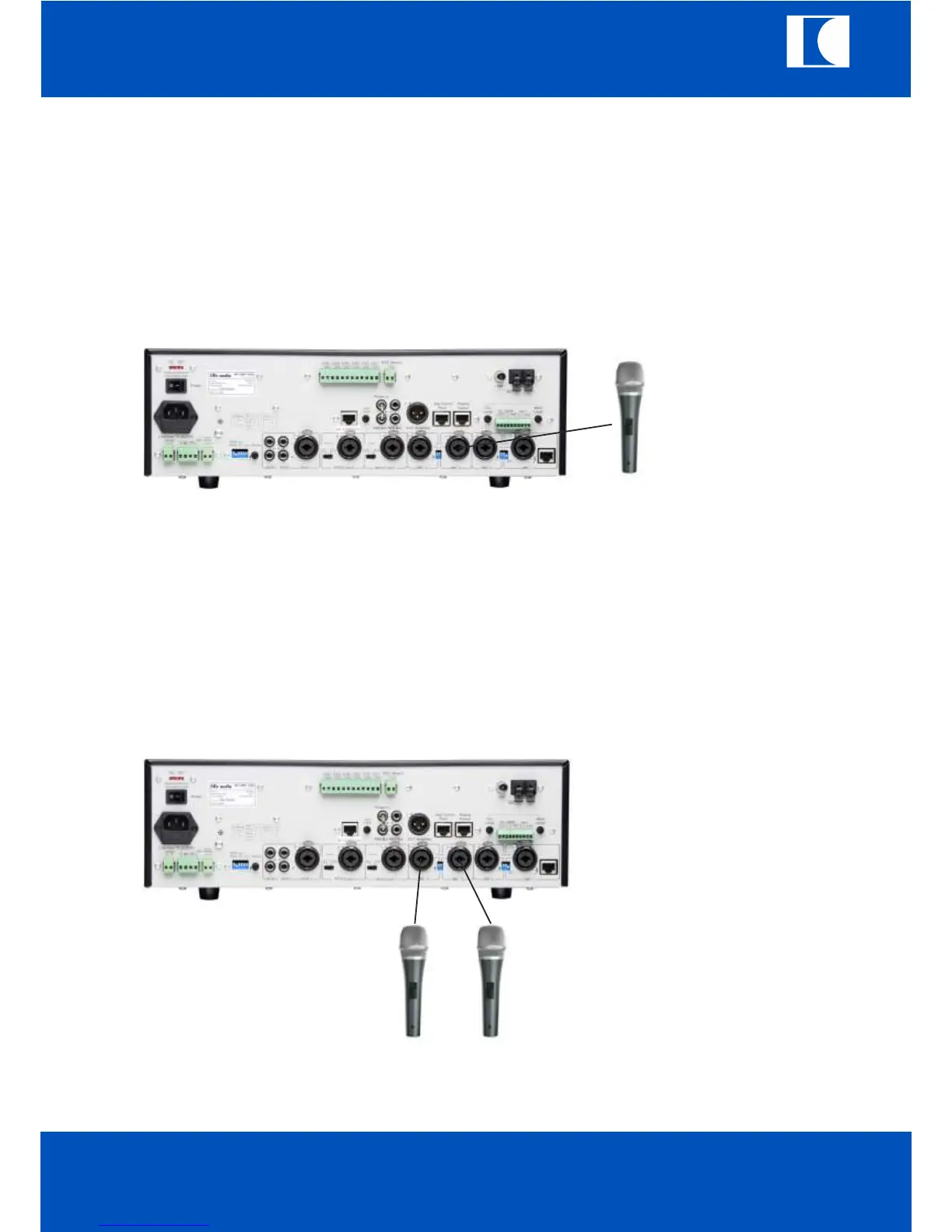
10.2 MIC 2
a. Connect the microphone to MIC2 input.
b. Select the phantom power.
c. For condenser microphone, set the phantom power switch to “ON”.
For dynamic microphone, set the phantom power switch “OFF”
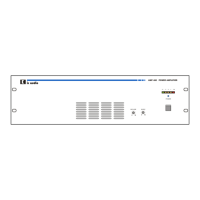
10.3 MIC3/MIC4
a. Connect the microphone to MIC3 and MIC4 input.
b. Select phantom power switch to ”ON”(downward) for condenser microphone
and to “OFF”(upward) for dynamic microphone.
ic audio



 To Next Page