IK210 User Manual V1.0
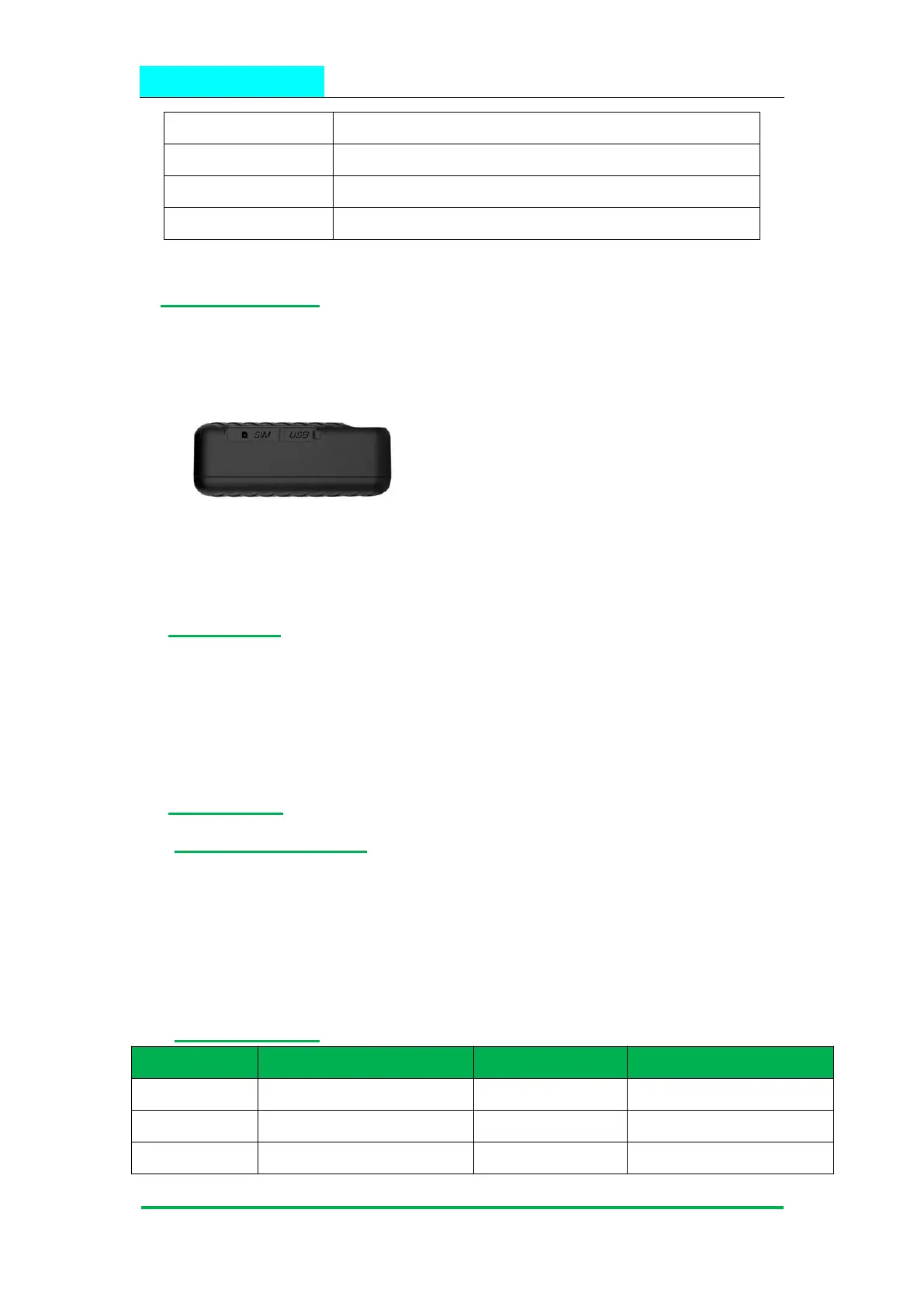
5. IK210 interface
6. In the box
1* IK210 GPS Tracker
1* Quick Start Guide
1* Screw Driver
1* Charge Cable
7. Installation
7.1 SIM Card installation
Get ready a Micro Sim Card that support GSM&GPRS with 30MB data per month
Open the top housing
Insert Sim card to sim card slot correctly
Devices would turn on autoly (green led will blinking).
After that the device will be ready.
7.2 LED Indications
GSM/GPRS conversation start
Power off or in sleep mode
Power off or in sleep mode
Full battery or charged full


 To Next Page