iCarsoft English User’s Manual
12
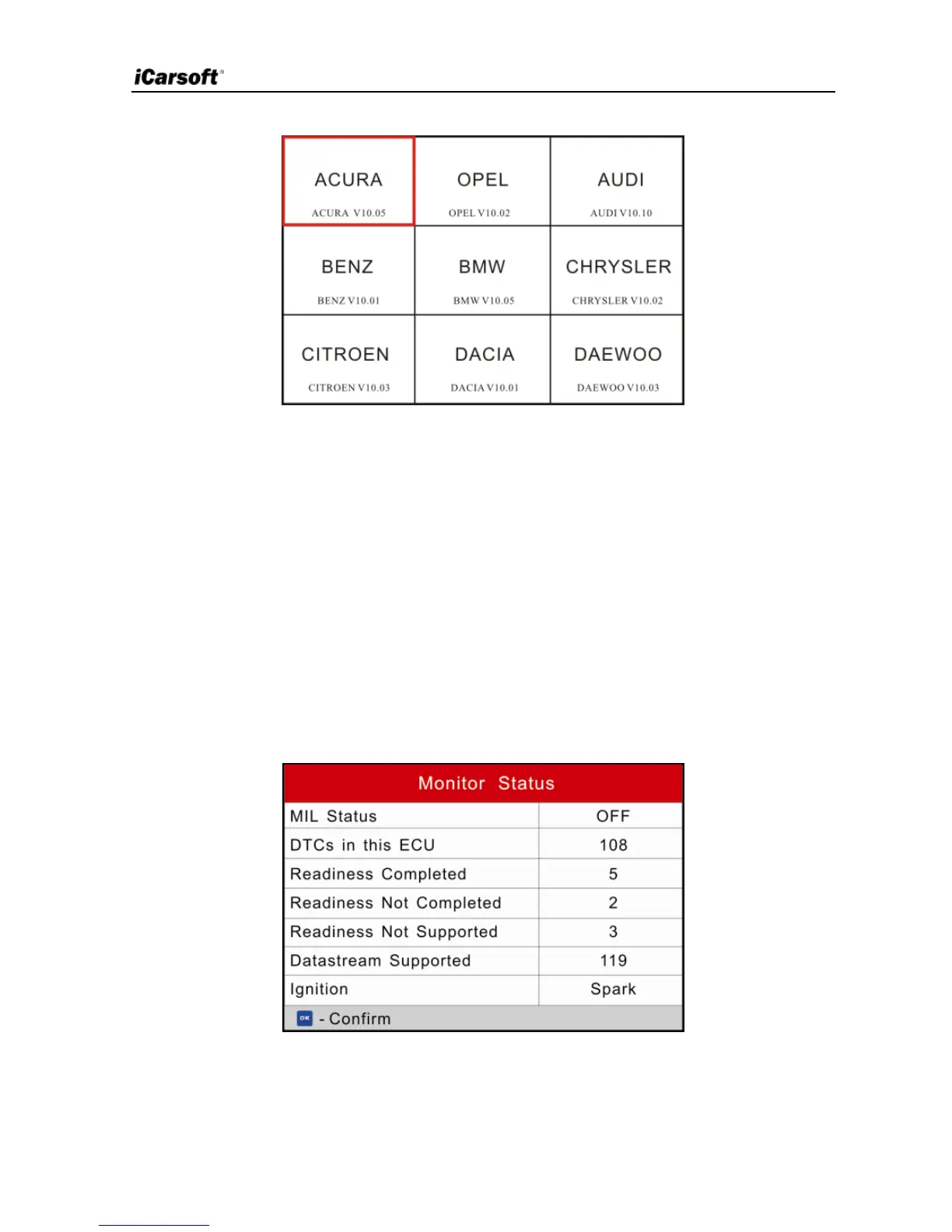
Figure 5-2 (For CR Plus)
5.1 OBDII/EOBD Diagnosing
This option presents a quick way to check for DTCs, isolate the cause of the
illuminated Malfunction Indicator Lamp (MIL), check monitor status prior to
emissions certification testing, verify repairs, and perform a number of other
services that are emission-related.
In Figure 5-2 (For iCarsoft Serial products), press [OK] and the screen will
enter Fig. 5-3.
In Figure 5-2 (For CR Plus), press [►]/[◄] to highlight the “EOBD”, and then
press [OK] to enter Fig. 5-3.
Figure 5-3
Press [OK], a screen similar to Figure 5-4 will appear:


 To Next Page