iCarsoft English User’s Manual
8
4.2 Settings
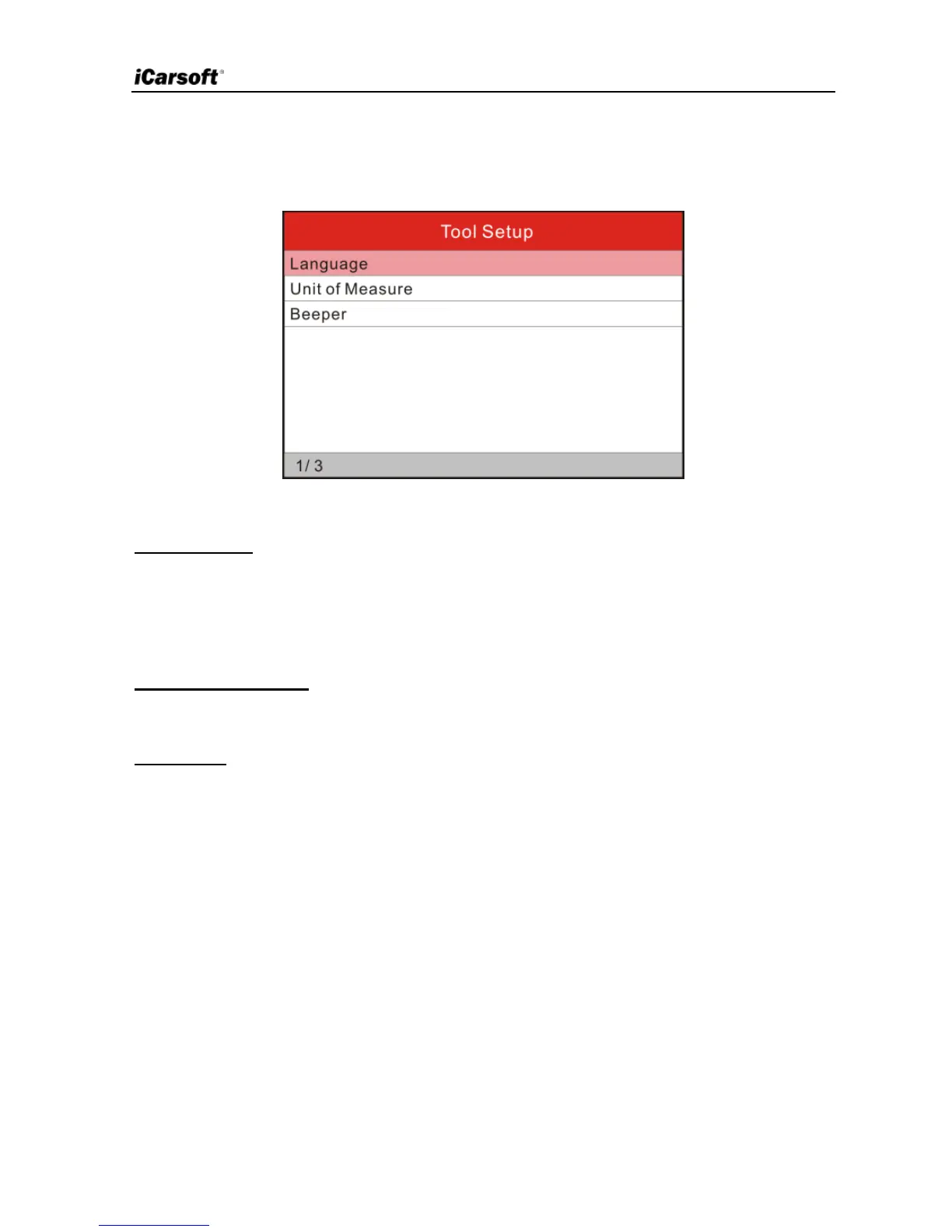
Select [Settings] in the main menu and press [OK] to enter.
Figure 3-2
1) Language
This option enables you to set the user interface language.
Note: Due to continuous software upgrade, language interface may differ from
different software versions.
2) Unit of Measure
This option allows you to set measurement unit.
3) Beeper
It is used to set On/Off the buzzer.
4.3 Help
This menu enables you to view device information and OBD introduction.
In main menu, select [Help] and press [OK] to enter Figure 3-3.


 To Next Page