06
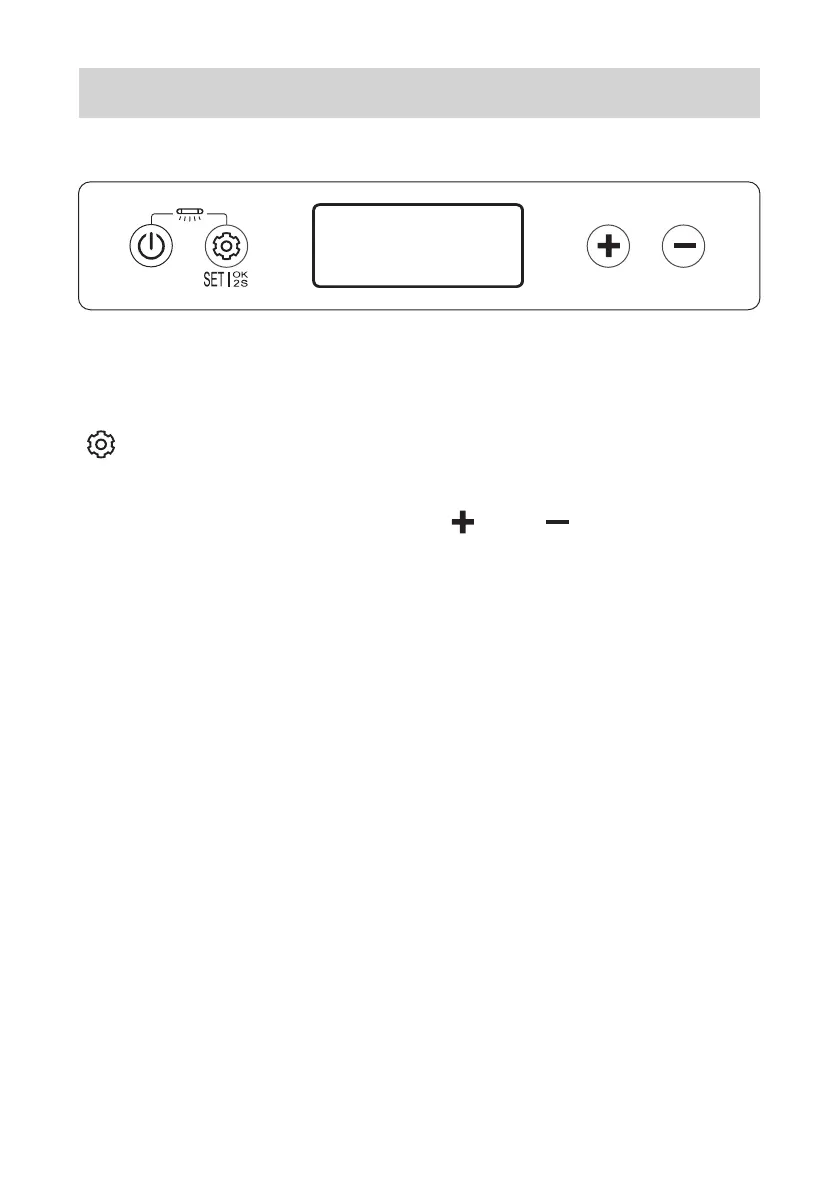
2.4 Switch Between °C and °F
When enter the fridge setting mode, press the
“ ” to adjust the temperature scale and the
corresponding icon (°C, °F) on display board will
be FLASHING, press the “ ” or “ ” to switch
dif ferent scale. Wait 5 seconds for the system
finish the scale change.
The factory settings is °F.
°F
°C
UV


 To Next Page
 Loading...