45
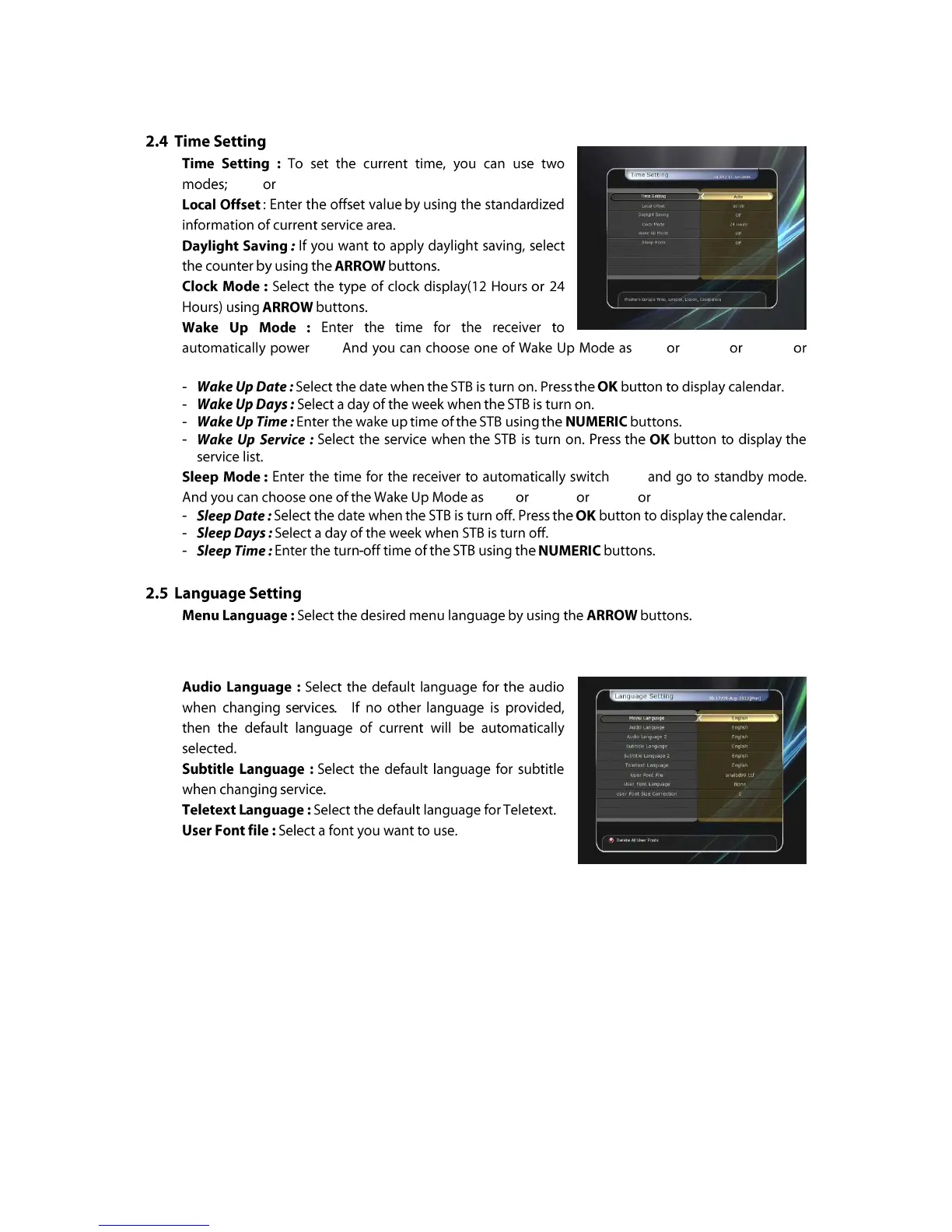
Auto Manual.
ON. „off‟ „Once‟ „Daily‟
„Weekly‟.
OFF
„off‟ „Once‟ „Daily‟ „Weekly‟.
NOTE : The menu and operation languages can be changed depending on the country sold.
Available languages are subject to change without prior notice.
NOTE : To show and use the User Font, please install a desired font file(*.ttf) to the
/Var/Font directory(folder) in your PC which is connected with your receiver(STB)
by network. Then press LEFT/RIGHT button to select a font and press OK button.



 To Next Page