46
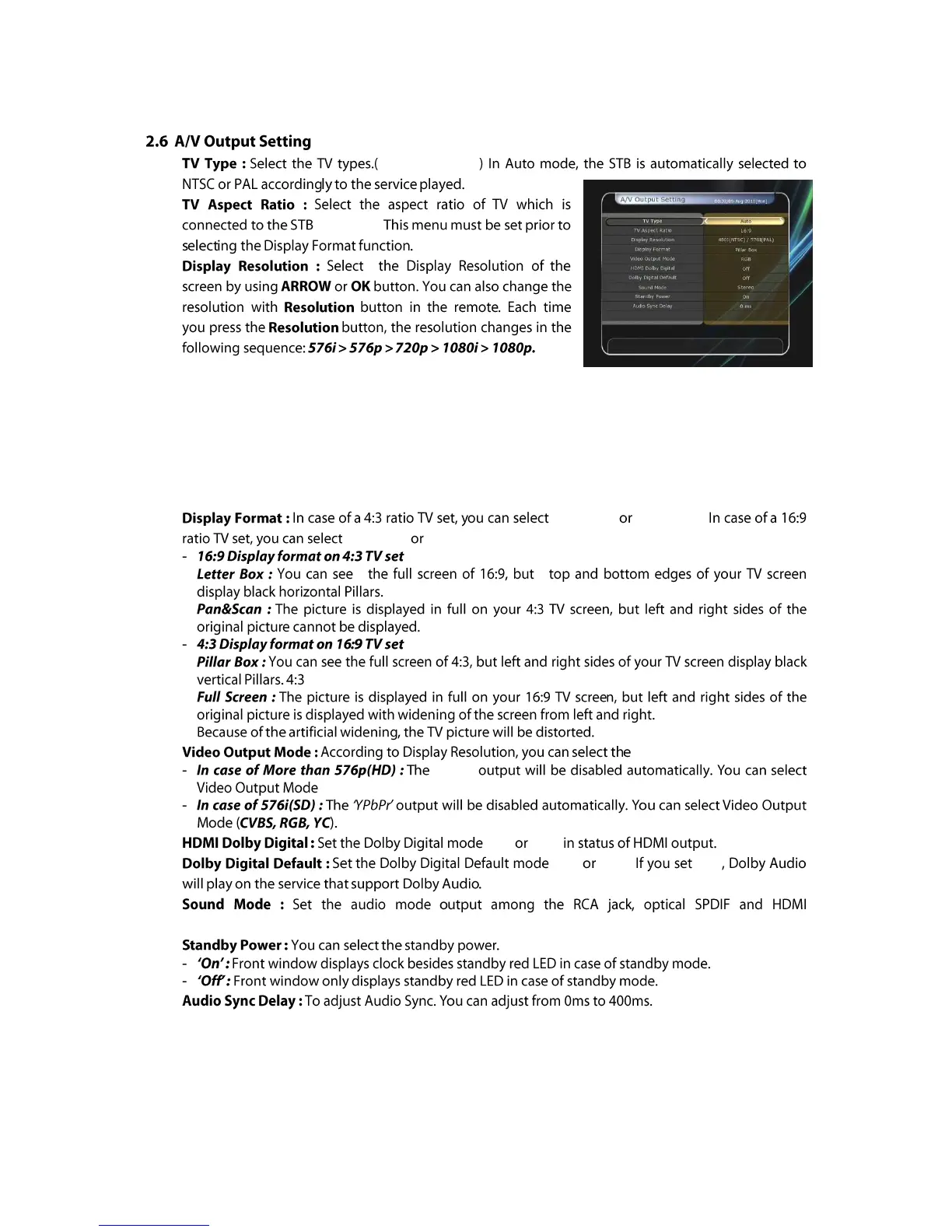
PAL/NTSC/Auto
(4:3/16:9).
NOTE : Please note that your TV may not show a picture depending on the Display Resolution set by
your STB as well as if set to PAL when NTSC is required or vice versa. If you set the Display
Resolution as SD(576i), your TV cannot display anything when the TV is connected to the
Component Video(YPbPr). If you set the Display Resolution as HD(more than 576p), your TV
cannot display anything when the TV is connected to the SCART or Composite Video output of
the STB. In case of HDMI, your TV can display a picture for all of the resolution settings of
the STB. But it is also possible that your TV may not display a picture with 576i, because some
HDTV‟s does not support 576i.
Letter Box Pan&Scan.
Pillar Box Full Screen.
Video Output Mode.
„RGB‟
(CVBS, YPbPr, YC).
'On' 'Off'
'On' 'Off'. 'On'
(Stereo/Mono/Left/Right).



 To Next Page