Specification
1 Standard Micro interface
2 Operating distance is up to 10 meters
3 Modulation system: GFSK
4 Operating voltage: 3.0-4.2V
5 Operating current: 2.5mA
6 Standby current < 0.3mA
7 Sleep current < 40uA
8 Charging current ≧200mA
9 Standby time > 218 days
10 Charging time < 2 hours
11 Lithium battery capacity: 210mA
12 Uninterrupted working time: 84 hours
13 Lithium battery life: 3 years
14 Key force: 60 ± 10g
15 Key lifespan: 3 million strokes
16 Operating temperature: 10 ± 55°C
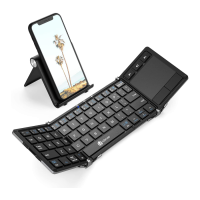
17 Keyboard unfold size: 251.7 x 89.6 x 6.6 mm
1. Built-in USA BROADCOM Bluetooth module 3.0
2. Suitable for Android & Windows & IOS systems tablets, smartphones etc.
3. Full automatic power on/off design, easy and flexible to operate
4. Micro interface, easy to charge
5. Energy saving keyboard with sleep mode
6. Built-in rechargeable lithium battery
7. Front: plastic; Backboard: aluminum alloy
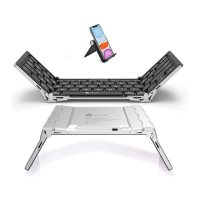
8. Tri-fold design, convenient to carry
9. Light weight, quiet keystrokes
10. Ergonomic design greatly improves touch feeling
Bluetooth Keyboard Characteristics
11. Proper protective case protects your device perfectly. It can be used as a
great stand too.
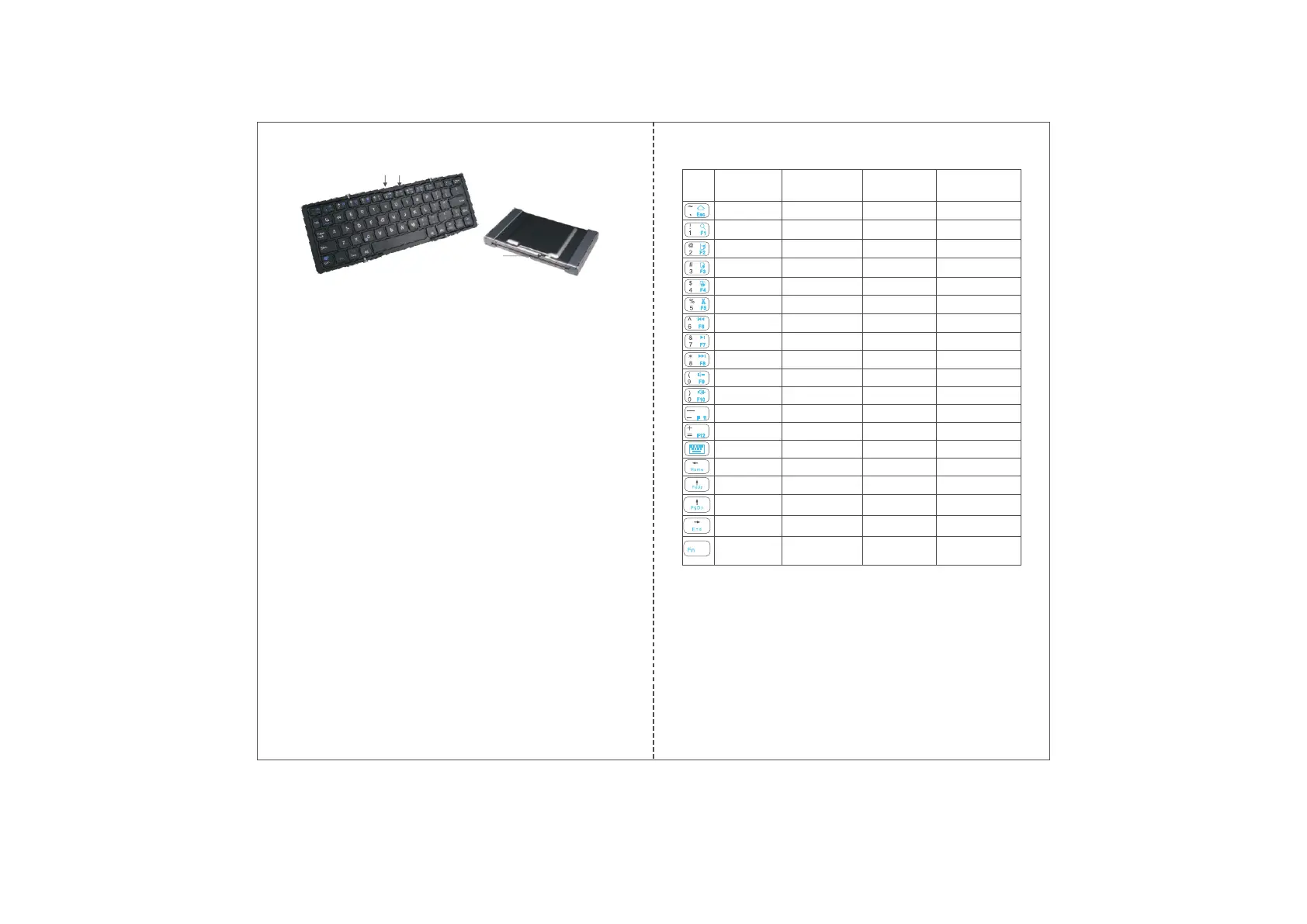
Indicator Lights Description
①
②
③
Bluetooth Keyboard Function
① Power indicator: Unfold the keyboard, green power indicator will be on for 3s and
then turns off.
② Caps Lock indicator: Press Caps Lock key to switch capital and small letters. The blue
Caps Lock indicator is on when you're inputting capital letters.
③ Micro charging port: Used for charging the keyboard.
Charging indicator: The red charging indicator will be stably on when charging it. It
automatically turns off after being fully charged.
Bluetooth Status indicator: Press Fn + C keys, this indicator will flash. It turns off until
the keyboard well connects with your device.
Important Notification
When use the keyboard again, unfold the left and right keyboard area, and then
press any key to make it automatically connect with your device again.
Press Fn + C key to let the keyboard ready for pairing and press them again
to disconnect its ready pairing condition.
2.
1.
4.
3. You can only use these functions by pressing Fn and the same color key together.
3 in 1 keyboard: After connecting with the device, you must press Fn + relative
OS key(Q for Android, W for Windows, E for IOS) to select operating system,
otherwise all these keys' function are invalid.
Function
Combination key
Key
icon
Fn + key icon
function
in IOS system
Fn + key icon
function in Android
system
Fn + key icon
function in
Windows system
Fn+Shift+key icon
function in Windows
system
Home Home
ESC
Web browser
Search Search F1 Search
Select all Select all F2 Select all
Copy Copy
F3
Copy
Paste Paste
F4
Paste
Cut Cut
F5
Cut
Previous track Previous track F6 Previous track
Play/pause Play/pause
F7
Play/pause
Next track Next track F8 Next track
Volume down Volume down F9 Volume down
Volume up Volume up
F10
Volume up
No function No function
F11
No function
No function
F12
Virtual keyboard
No function
Virtual keyboard
No function
First line
Page heading
Page heading Page up
Page heading
Page up
Page footing Page down Page down
End of line
Page footing Page footing
Function
Combination
key
Function
Combination
key
-1- -2-


 To Next Page
 Loading...