10.File Management
11.Local Play
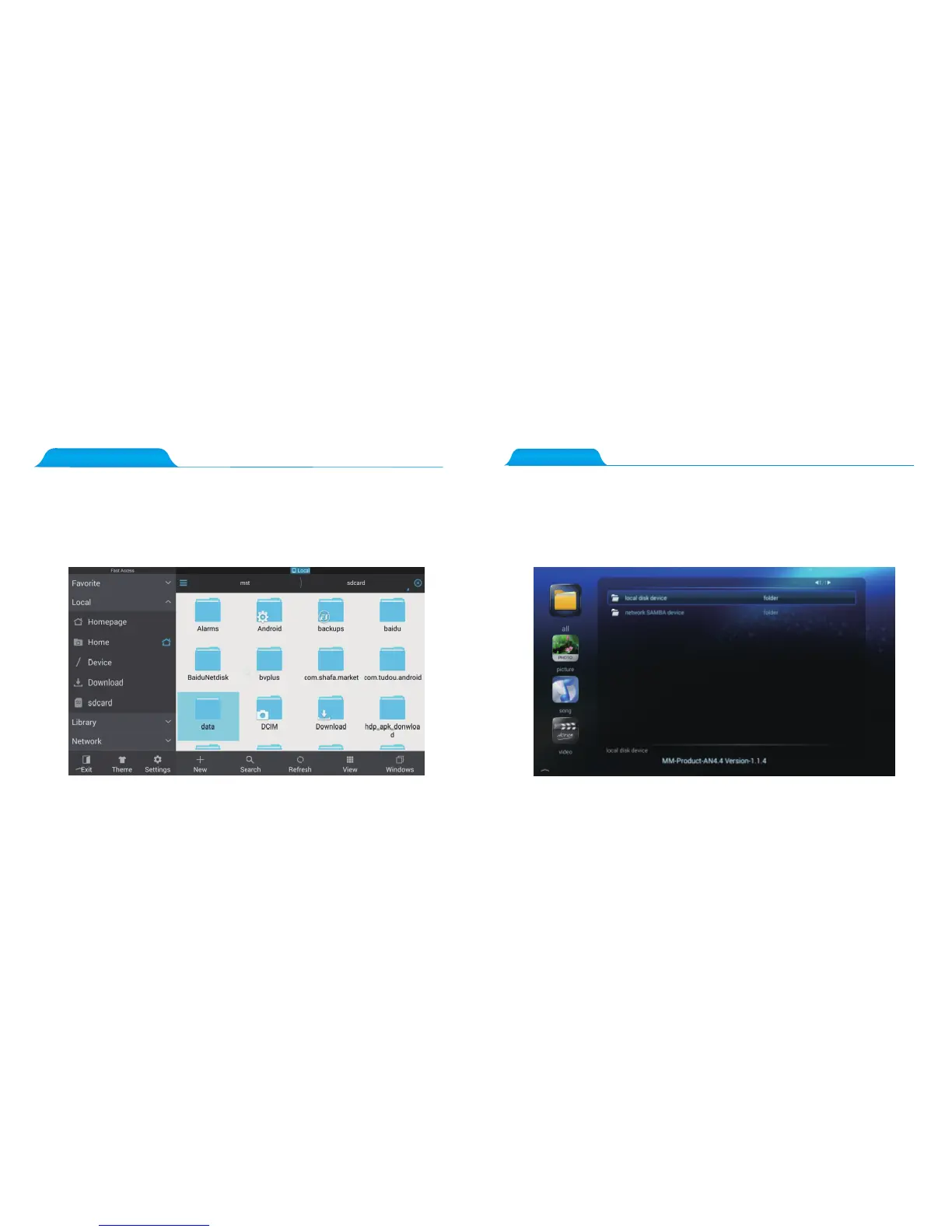
Put the USB stick with audio, video, or photo into the USB2.0 or USB3.0 interface, press
the main interface on the remote control until the main screen appears.
Press “Multi-Media,” and find the “ Local disk device,”select the “sda1" and then
the file you wish to play.
Note: Please try using the included office software when a file cannot be opened directly.
Please press the main interface on the remote control until the main screen appears,
select “Multi- Media” and then “ES explorer”, finally, select the “sda1” in “Local”;
Select the file that you wish to modify, and in mouse-mode right click the file in order
to copy, paste, or delete said file.



 To Next Page