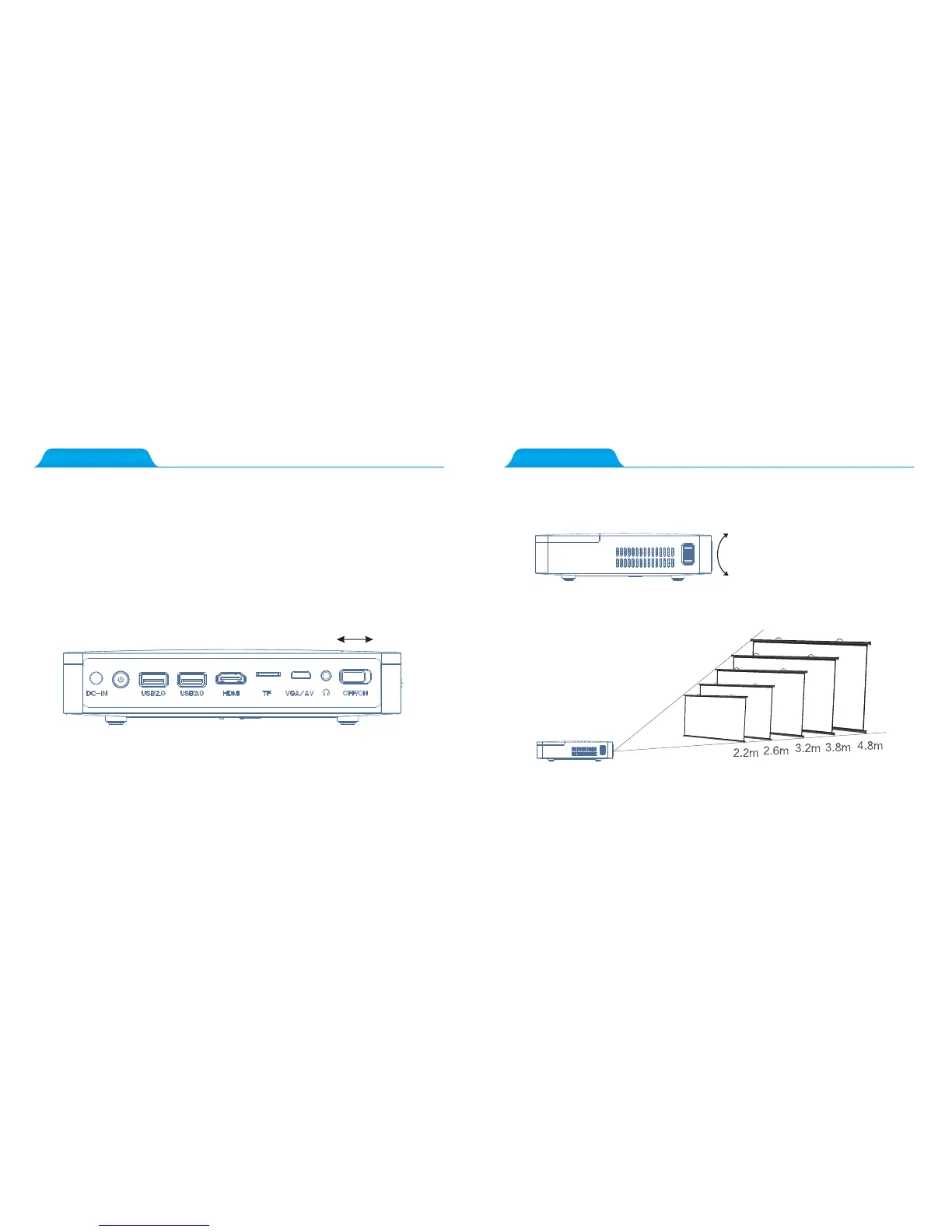
1.ON: Plug the DC terminal of the power adaptor to DC-IN terminal of projector, adjust the
master switch on the right to “ON”, while the red light indicator light is on, press the power key.
2.OFF: Press the power key while the projector is working normally, if the indicator
light turns from green to red, the projector is off.
5.How to Focus?
4.Power ON/OFF
5.How to Focus?
Switch on
Switch off
Adjust the focus button up or down lightly until the image is clear.
Adjust the focus button up or down
lightly until the image is clear.
150 inch
120 inch
100 inch
80 inch
60 inch



 To Next Page