16.How to Charge
1. To charge when the projector is off: when the projector is connected via the DC-In
power adapter, put the main power switch in the “OFF” position, your device should
now be charging.
2. To charge when projector is on: when the projector is connected via the DC-In
power adapter, put the main power switch in the “ON” position, a charging notification
icon" should now appear on the top-right of the main interface.
15.3D Function
NOTE: 1. Please сharge the battery with the original power adapter;
2. The product is only uitable for a non high-temperature environment;
3. When the device is charging, do not block ANY ventilation holes;
4. Please avoid stabbing, crushing, or any damage to the device and battery.
5. Do NOT get the battery wet, avoid use in high-humidity environments.
1. 3D video play:
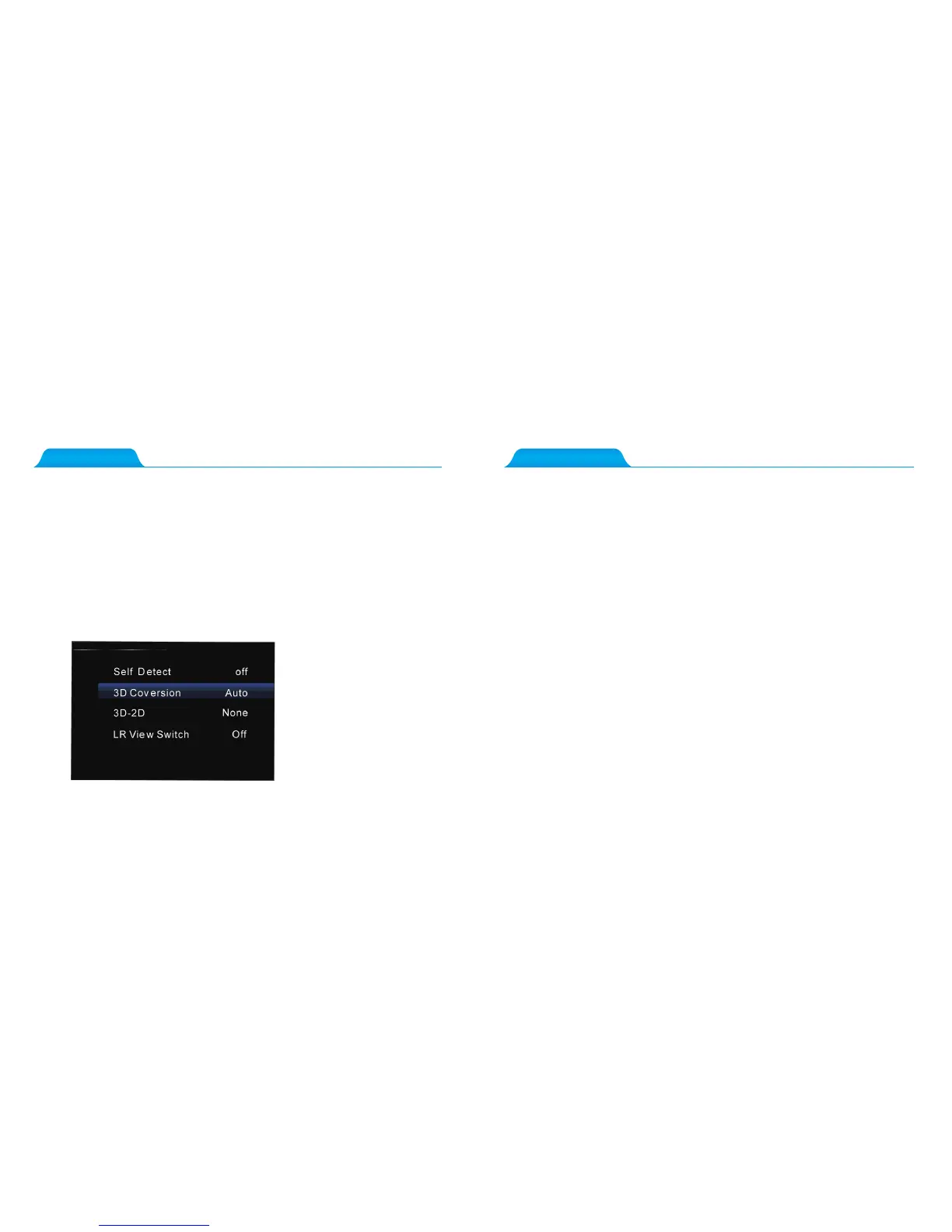
When playing video; compatible DLP 3D formats of videos will be automatically recogni-
zed, the projector will automatically switch to 3D mode; if this is unsuccessful, please press
the “3D” button on theremote control, when the main screen appears, select “ 3D convers-
ion” and “up-down” or “left-right” fdepending on your video files format.
2. 3D to 2D video:
When playing a native DLP 3D video format, please press “3D” on the remote control.
Once the “Main Screen” has appeared, select “3D Conversion” and set to “3D-2D”.
Note: Please download DLP 3D compatible video formats, red and blue 3D are not comp-
atible.
Please wear DLP Link 3D glasses when you watch your DLP 3D movies/videos.



 To Next Page