Select a Group or Channel
and push TAG Set.
Select to tag the memory channel.
OFF: channel is skipped when scanning.
ON: channel is scanned when scanning.
MENU SCREEN
YoucanusetheMenuscreento
set infrequently changed values
orfunctionsettings.TheMenu
screen is constructed in a tree
structure. Go to the next tree level with the
[RIGHT] center key pad, or [ENT
ANL]. Go
back a level with the [LEFT] center key pad
or [CLR DEL].
To select an item, rotate the top dial or push
[UP] or [DOWN] with the center key
pad.
VOR NAVIGATION (FOR A25N ONLY)
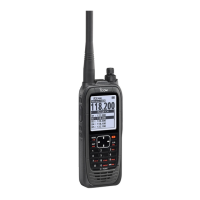
The A25N uses keys described in diagram
on next page for VOR Navigation and
Waypoint Navigation functions.
Push , then push another key for
secondary functions. continued
PROGRAM FREQUENCY INTO MEMORY
• SELECT THE DESIRED FREQUENCY
Push [CLR DEL], then select the desired
frequency by using the keypad
or by rotating the dial on top.
Push , then push [MR MW].
Select“WRITE”then[ENT ANL].
Select“YES”then[ENT ANL].
• SELECTGROUP/NAME/TYPE/TAGSET
Push , then push [MR MW].
- Name, Type, Tag Set, Postion, Group,
Group Name are all selectable.
• PROGRAMWEATHERINTOMEMORY*
(*USA VERSION ONLY)
Push , then push [3 WX]. Push [MR MW]
andthenselect“WRITE”,then[ENT ANL].
• FINDFREQUENCYINMEMORY
Push [MR MW] and rotate the dial on top to
page through memory channels.
TAG SETTING
(WHEN A FREQUENCY IS ENTERED OR SELECTED)
Push [MENU ],then“ManageMemory”,
then“EditMemory”.
• RADIO SETTINGS, WEATHER - WX ALERT
[MENU ],selectWeatherAlertthen“ON”
or“OFF”.
• LOCK, ON or OFF
Push , then push [ ].
• SCAN, ON or OFF
Push , then push [8 SCAN].
- Rotate the top dial to change scan direction.
- To stop scanning always push [CLR DEL].
• SCANWITHINMEMORY
Push [MR MW]toenterMemorymode.
Push , then push [8 SCAN].
• SCAN WX CHANNELS* (*USA VERSION ONLY)
Push , then push [3 WX].
Push , then push [8 SCAN].
• CLEAR ALL
Push [CLR DEL] twice.
MEMORY OPERATIONS
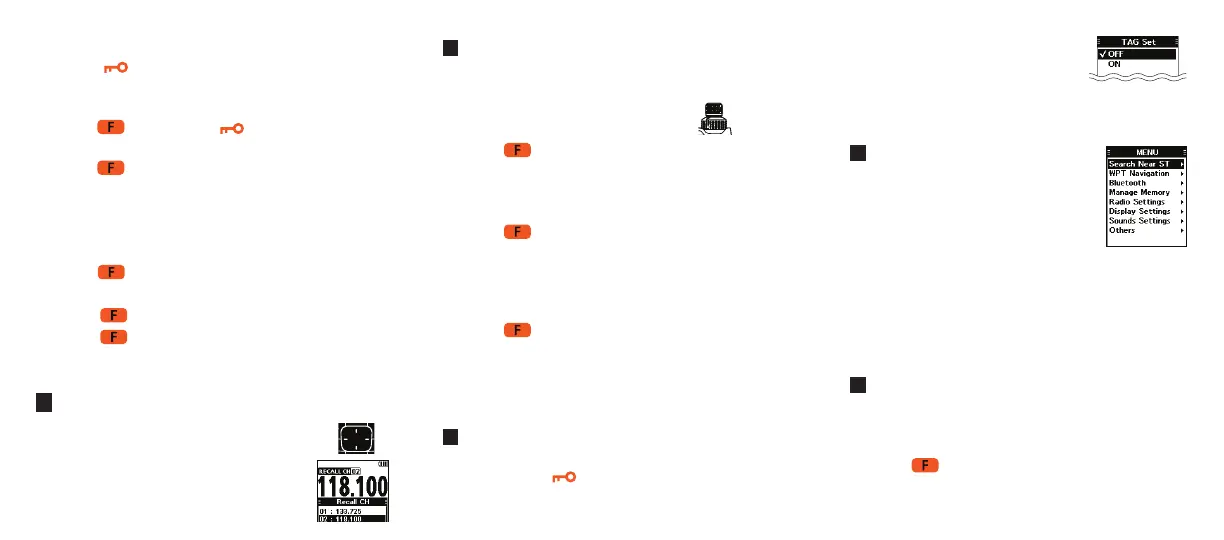
• SELECT RECALL CHANNELS
Push the center Directional Key Pad
todisplay“RECALLCH”Screen.
Select the channel.


 To Previous Page
 Loading...