EasyManua.ls Logo

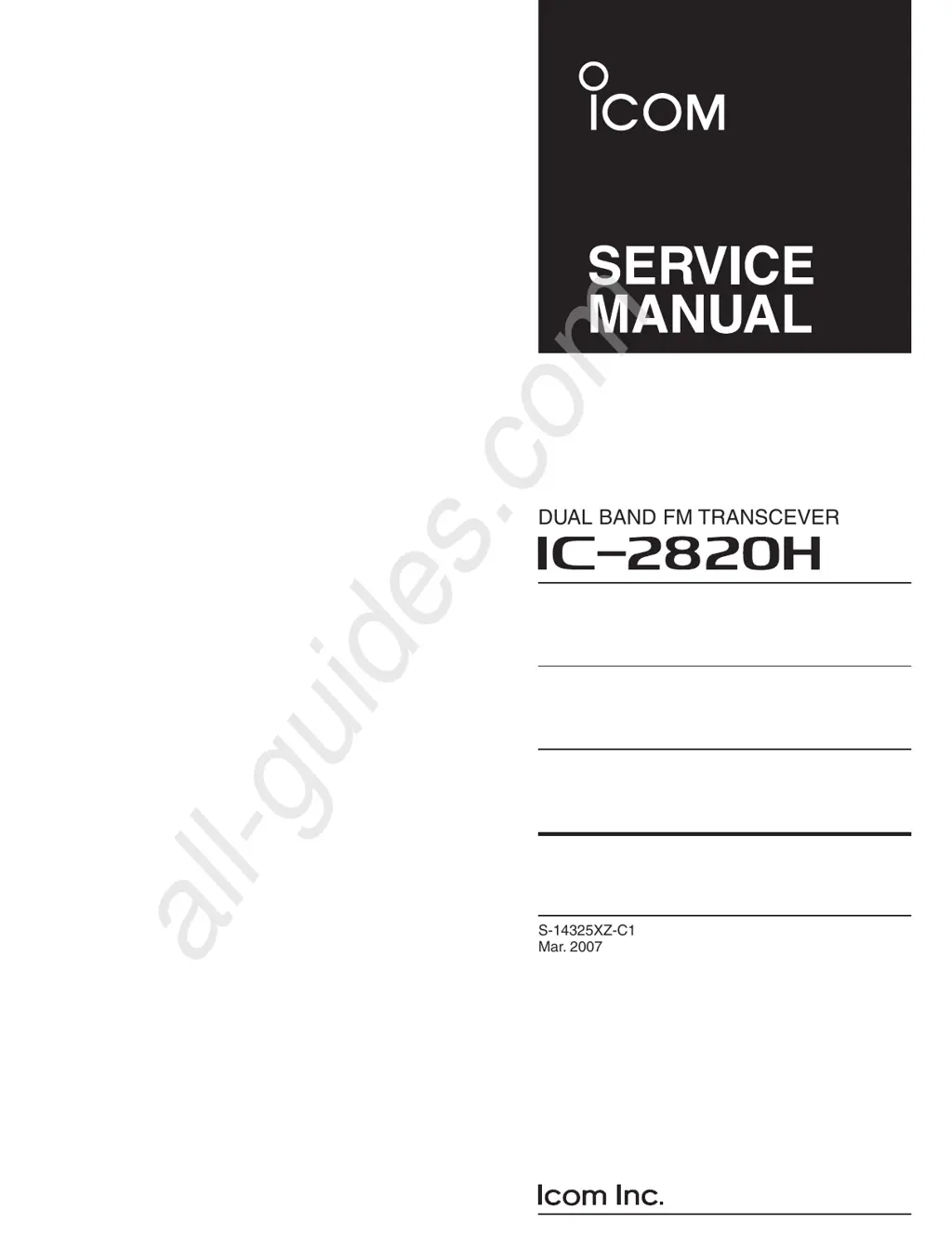
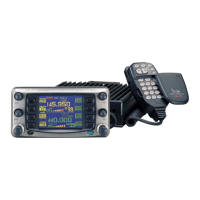
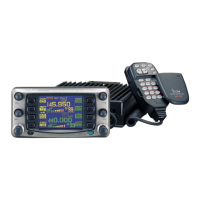
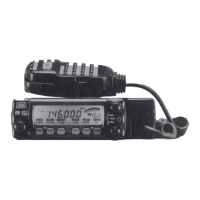
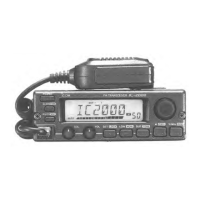
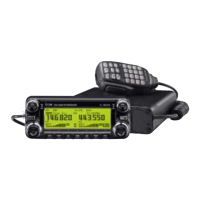
Icom IC-2820H - Service Manual

Icom IC-2820H
55 pages
Print Icon
To Next Page IconTo Next Page
Loading...
S-14325XZ-C1
Mar. 2007
DUAL BAND FM TRANSCEVER
All manuals and user guides at all-guides.com
all-guides.com

Other manuals for Icom IC-2820H

Questions and Answers

  • L
    Laura CarlsonAug 19, 2025
    What to do if my Icom IC-2820H does not turn on?
    • G
      Grace GrantAug 19, 2025
      If your Icom Transceiver doesn't turn on, there could be several reasons: * The power connector may have a poor contact. Check the connector pins. * The polarity of the power connection might be reversed. Re-connect the power cable observing the proper polarity. * The fuse may be blown. Replace the fuse if damaged. Also, check the cause, then replace the fuse.
  • J
    Justin SchwartzAug 21, 2025
    How to fix Icom IC-2820H Transceiver frequency setting issues via microphone?
    • K
      Karen WattsAug 21, 2025
      If you cannot set the frequency via the microphone on your Icom Transceiver: * The frequency lock function may be activated. Turn the function OFF. * The microphone keypad lock function may be activated. Push [FUNC] then [sqlZ #(16KEY-L)] to deactivate the microphone keypad lock function. * Priority watch might be paused on the watching frequency. Push [LOW•PRIO] for 1 second to cancel the watch.
  • V
    Valerie HowardAug 23, 2025
    Why can't I set the frequency on my Icom Transceiver?
    • R
      riversrobertAug 23, 2025
      If you cannot set the frequency on your Icom Transceiver: * The frequency lock function may be activated. Turn the function OFF. * Priority watch might be paused on the watching frequency. Push [LOW•PRIO] for 1 second to cancel the watch.
  • K
    Kristin HayesAug 26, 2025
    Why no sound from my Icom IC-2820H Transceiver speaker?
    • X
      xmatthewsAug 26, 2025
      If no sound is coming from the speaker of your Icom Transceiver, consider the following: * The volume may be too low. Rotate [VOL] clockwise. * The audio mute function may be activated. Push any key to deactivate it. * The squelch might be set too high. Set the squelch level to the threshold. * A selective call or squelch function, like pocket beep or tone squelch, could be activated. Turn the appropriate function OFF.
  • C
    Christopher RichardsonAug 28, 2025
    Why is my Icom Transceiver sensitivity low?
    • D
      djohnsonAug 28, 2025
      If the sensitivity of your Icom Transceiver is low, and only strong signals are audible: * The antenna feedline or the antenna connector may have a poor contact or be short-circuited. Check, and if necessary, replace the feedline or solder the antenna connector again. * The squelch attenuator function may be activated. Set [SQL] between 10–12 o’clock position.
  • T
    Toni BrooksAug 30, 2025
    How to troubleshoot Icom IC-2820H Transceiver scan not working?
    • P
      pjonesAug 30, 2025
      If the scan function does not operate on your Icom Transceiver: * The squelch might be open. Set the squelch to the threshold point. * Only 1 memory channel may be programmed, or other channels are set as skip channels. Program other memory channels or cancel the memory skip function in the desired channels. * Priority watch could be activated. Cancel the watch.
  • T
    Thomas Rice MDSep 1, 2025
    What to do if Icom IC-2820H Transceiver repeater cannot be accessed?
    • J
      Jeanette RomeroSep 2, 2025
      If the repeater cannot be accessed with your Icom Transceiver: * The wrong offset frequency may be programmed. Correct the offset frequency. * The wrong subaudible tone frequency may be programmed. Correct the subaudible tone frequency.
  • T
    Tony SmithSep 4, 2025
    Why is no contact possible with another station on my Icom Transceiver?
    • J
      Jeffrey MillerSep 4, 2025
      If no contact is possible with another station using your Icom Transceiver: * The other station may be using tone squelch. Turn the tone squelch function ON. * The transceiver may be set to duplex. Set to simplex.
  • M
    Michelle BrownSep 6, 2025
    Why some Icom IC-2820H memory channels cannot be selected via the tuning dial?
    • B
      Brandy WoodardSep 6, 2025
      If some memory channels cannot be selected via the tuning dial on your Icom Transceiver, the memory channel number may not have been programmed yet. Select the channel via the microphone keypad to check whether the channel has been programmed or not.
  • A
    Amanda JonesSep 8, 2025
    What causes the received audio to break off during tone squelch on my Icom IC-2820H Transceiver?
    • B
      Brooke WhiteSep 8, 2025
      If, during tone squelch operation, the received audio breaks off at the other station when using your Icom Transceiver: * The transmitter’s microphone gain may be too high. Select low microphone sensitivity in set mode. * Turn the ALC function ON in set mode.

Icom IC-2820H Specifications

General IconGeneral
Frequency Range144-148 MHz, 430-450 MHz
Operating Voltage13.8 V DC ±15%
Antenna Impedance50 Ohms
DisplayLCD
CTCSS/DCSYes
GPS InterfaceYes
Operating Temperature Range-20°C to +60°C
TypeDual Band Transceiver
ModeFM

Related product manuals