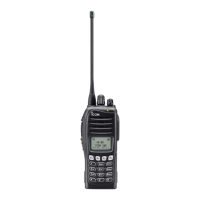
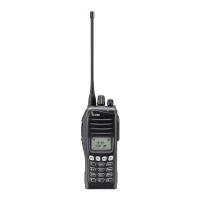
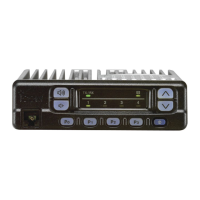
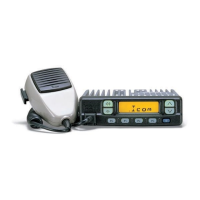
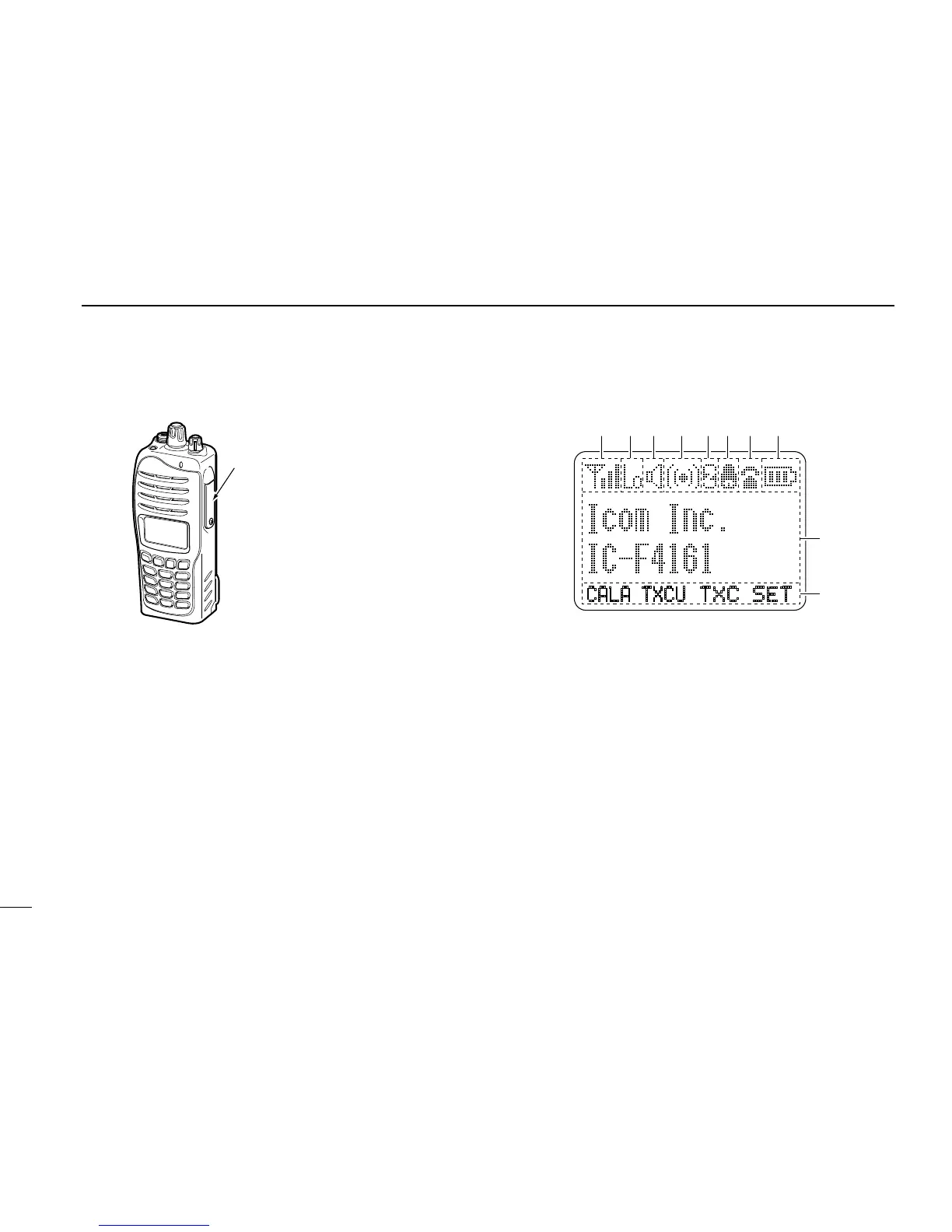
!1 BUSY/TRANSMIT INDICATOR
➥
Lights green while receiving a signal, or when the
squelch is open.
➥
Lights red while transmitting.
!2 VOLUME CONTROL [VOL]
Rotate to turn the power ON/OFF and adjusts the audio
level.
■ Function display
q SIGNAL STRENGTH INDICATOR
Indicates relative signal strength level.
w LOW POWER INDICATOR
Appears when low output power is selected.
e AUDIBLE INDICATOR
➥ Appears when the channel is in the ‘audible’ (unmute)
condition.
➥ Appears when the matched signal is received.
r COMPANDER INDICATOR
Appears when the compander function is activated.
t SCRAMBLER INDICATOR
Appears when the voice scrambler function is activated.
5
2
PANEL DESCRIPTION


 To Next Page
 Loading...