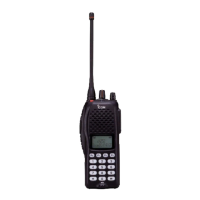
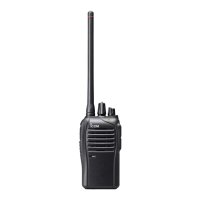
12
3
BASIC OPERATION
■ Channel selection
Several types of channel selections are available. Methods
may differ according to your system set up.
NON-ZONE TYPE:
To select the desired operating channel:
• Push [CH Up] or [CH Down].
• Rotate [ROTARY SELECTOR]*.
- Up to pre-programmed 16 channels can be selected.
• Push one of [MR-CH 1] to [MR-CH 4].
ZONE TYPE:
To select the desired zone:
• Push [Zone], then push [CH Up] or [CH Down].
• Push [Zone Up] or [Zone Down].
• Rotate [ROTARY SELECTOR]*.
- Up to pre-programmed 16 zones can be selected.
D Voting operation
The transceiver automatically starts scanning when a zone,
specified for the voting operation, is selected.
The voting scan detects the S-meter of the repeater and
automatically selects the strongest station.
AUTOMATIC SCAN TYPE:
Channel setting is not necessary for this type. When turning
power ON, the transceiver automatically starts scanning.
Scanning stops when receiving a call.
* Depending on the pre-setting.
When [Rotary selector] selects “Operating channel,” [CH Up]/[CH
Down] are not available.
When [Rotary selector] selects “Operating zone,” [Zone]/[Zone Up]/
[Zone Down] are not available.
1
2
3
4
5
6
7
8
9
10
11
12
13
14
15
16


 To Next Page
 Loading...