Basic Operation
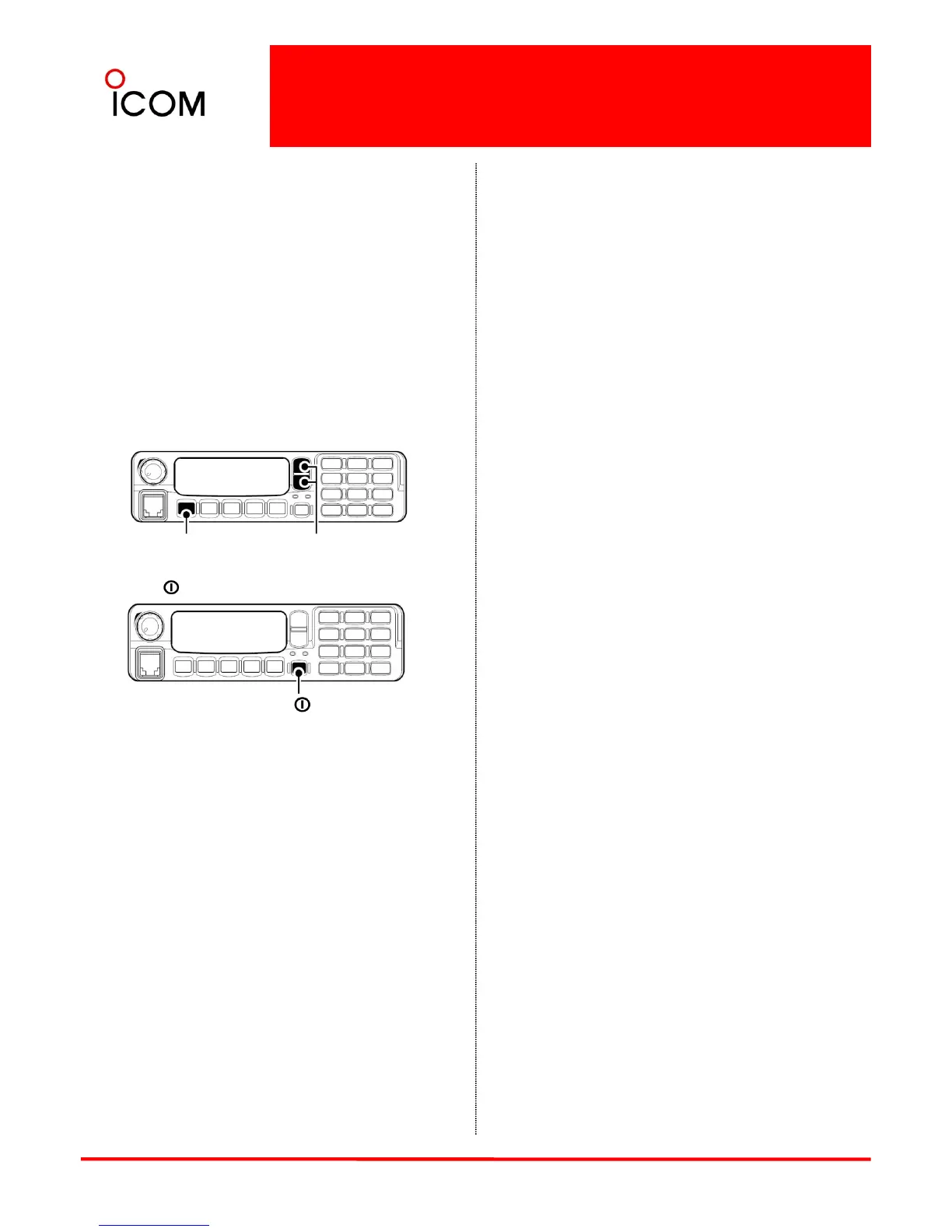
ePush [P0] several times to select the appropriate
item. Then, push [Up] or [Down] or rotate [DIAL] *1
to set the desired level/condition.
• Available set mode functions are Backlight, LCD
Contrast, Beep, Beep Level, Ringer Level, SQL Level,
AF Min. Level, Mic Gain, Horn, Battery Voltage,
Signal Moni, Lone Worker*2 and System
Information.
*1 Simple model only
*2 For the IC-F9511S/T, this function is not
available in transceivers whose revision
number is 1.2 or before.
fPush [ ] again to exit set mode.
[P0]
[Up]/[Down] or
[Dial]
NOTE : User set mode is also available via a
programmable key.
[ ]
41


 To Next Page
 Loading...