5
IV. Usage
A. FUNCTIONS
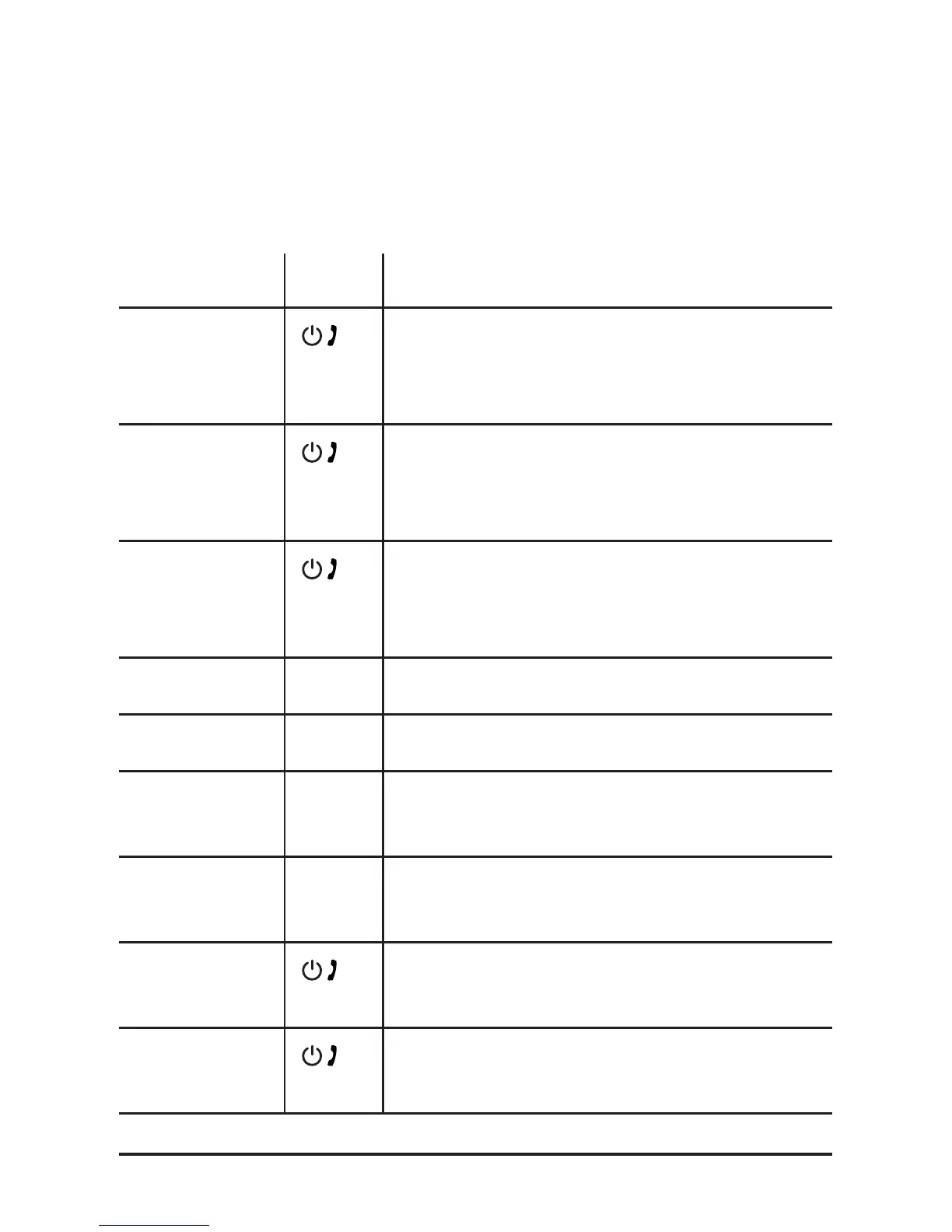
Function Key Action
Power On
Press for 3 seconds when the device
is o. The indicator light will ash
blue slowly.
Power O
Press for 3 seconds when the device is
on. The indicator light will turn o.
Play | Pause
Press to play when the device is
paused, and press to pause when the
device is playing.
Next
+ /
Press once to go to the next song.
Previous
– /
Press once to go to the previous song.
Increase
volume
+ /
Press for 2 seconds to increase the
volume level.
Decrease
volume
– /
Press for 2 seconds to decrease the
volume level.
Answer and
end calls
Press once to answer a call. Press
again to end the call.
Reject calls
During an incoming call, press for 2
seconds to reject the call.



 To Next Page