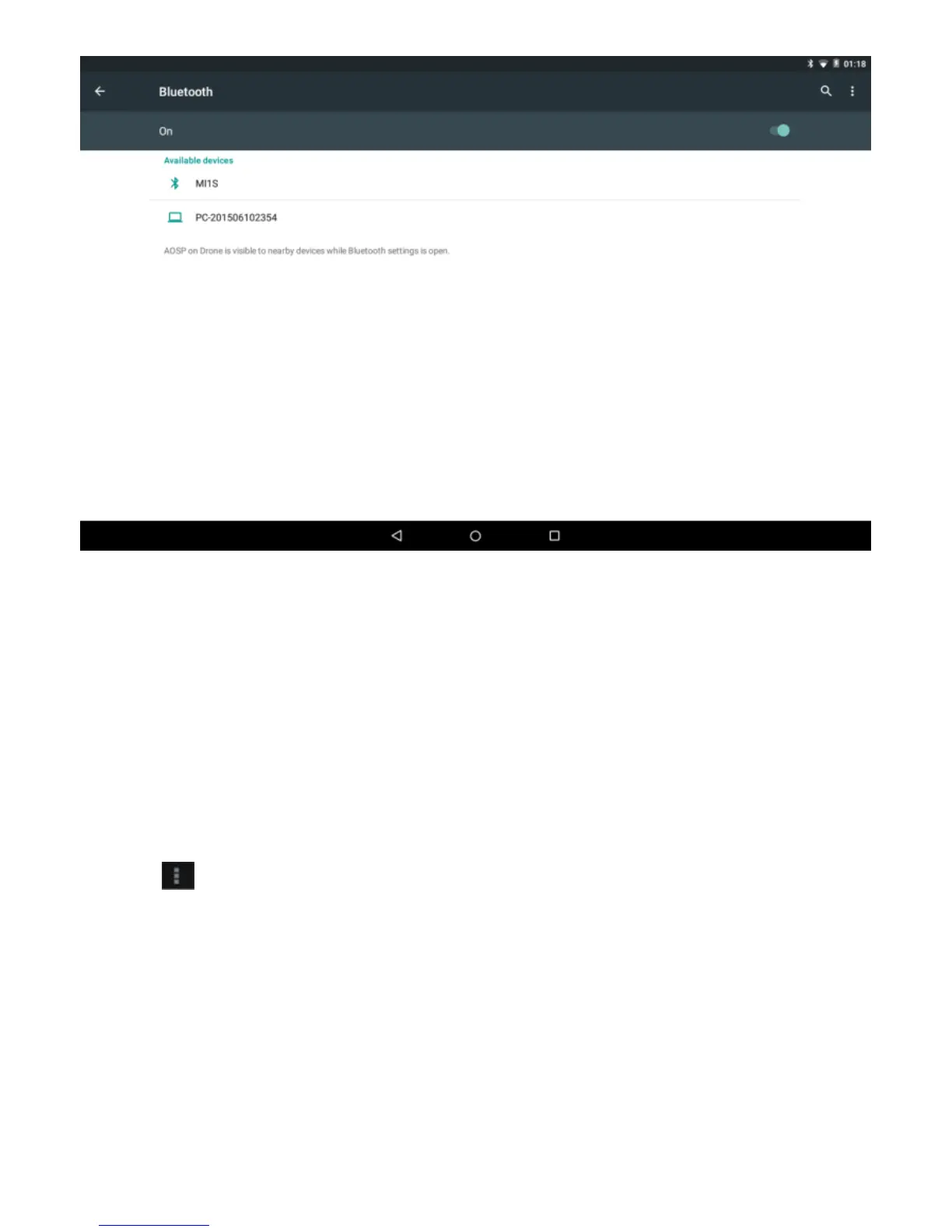
Touch the desired Bluetooth device to start pairing. Then according to
the indications on both side, users can complete the connection
successfully in seconds.
After pairing, you can share files between the unit and the Bluetooth
device.
Touch
to perform advanced Bluetooth settings.
3-1-3 Data usage
Touch to see the data usage information.
3-1-4 Ethernet
Touch to do the Static IP settings.



 To Next Page