2-2 Delete screen shortcuts/widgets
On the home screen, touch and hold the shortcut or widget to be
deleted until the icon “×” appears at the top right corner of the home
screen. Drag the shortcuts to the remove icon to delete.
2-3 On-screen Keyboard
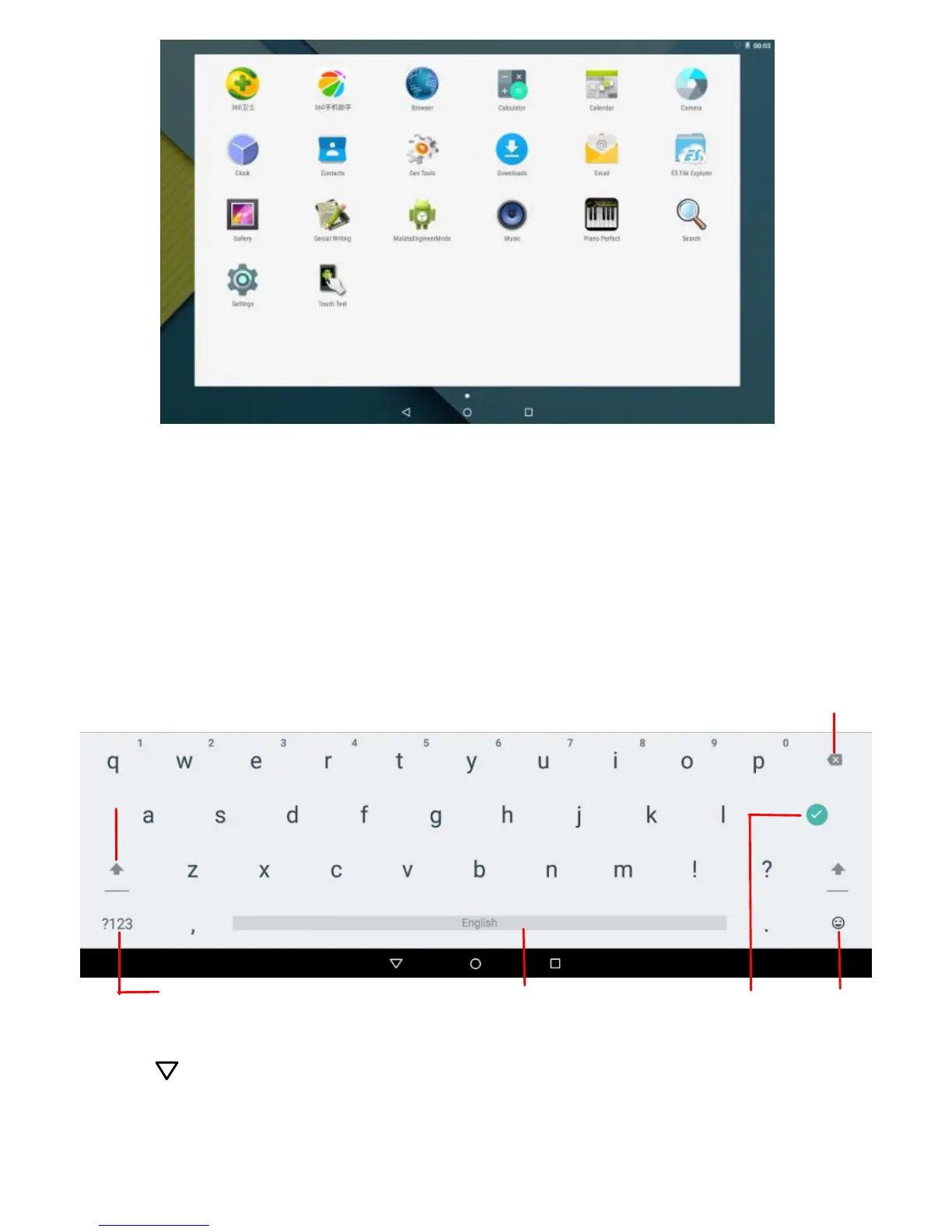
Just touch a text field to open the on-screen keyboard;
Touch on the tool bar to close it.



 To Next Page