EasyManua.ls Logo

ICS iC 530 - User Manual

Default Icon
72 pages
Print Icon
To Next Page IconTo Next Page
Loading...
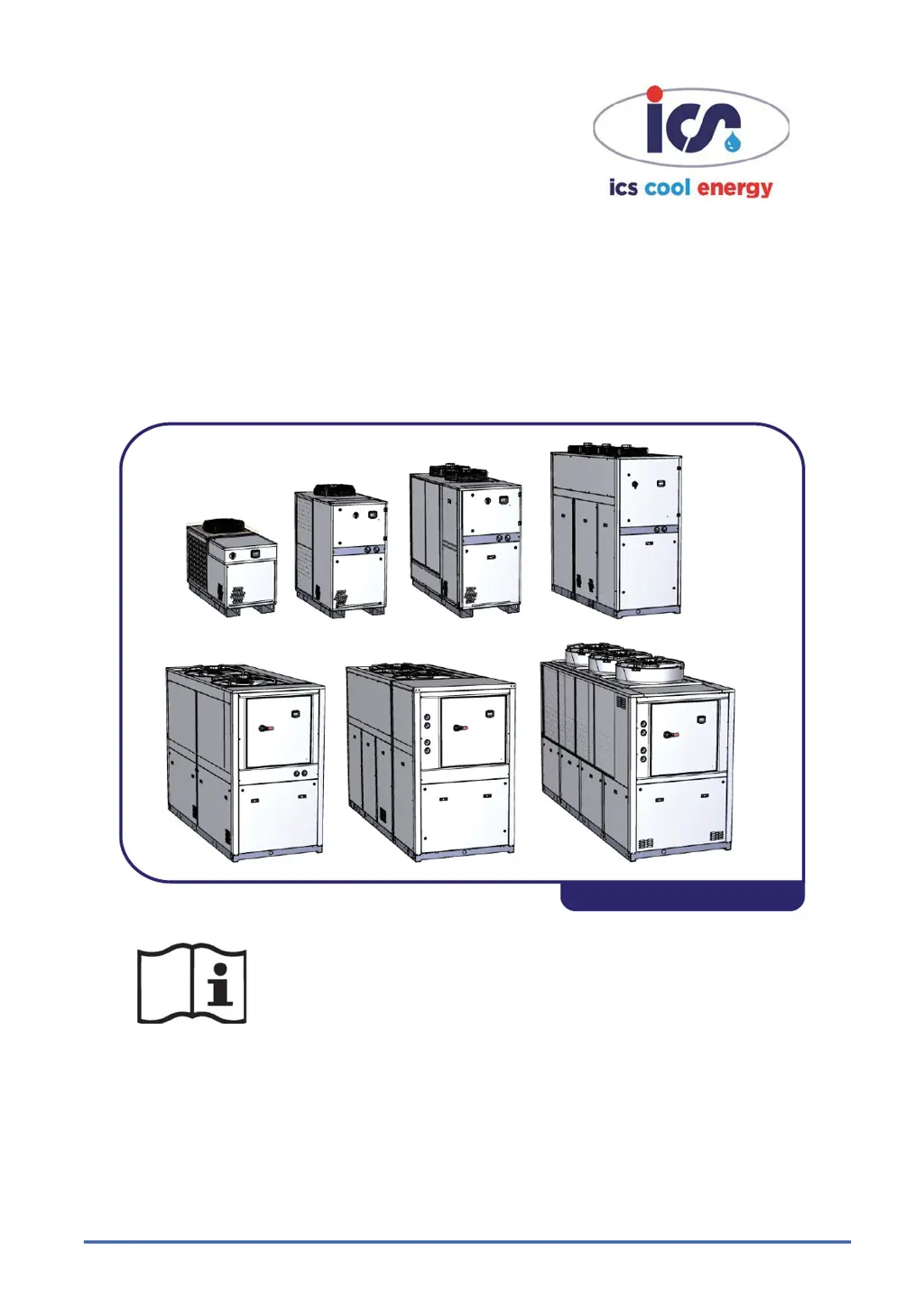
WATER CHILLERS
OPERATING AND MAINTENANCE MANUAL
iC 215 ÷ iC 780
38178800943
Original instructions in Italian language

Table of Contents

Questions and Answers

  • C
    caseashleyAug 8, 2025
    Why is the ICS Chiller tank water outlet temperature too high?
    • J
      Jacob MorrisonAug 8, 2025
      If the tank water outlet temperature (BTWOT) of your ICS Chiller is higher than the prescribed value, it could be due to several reasons. First, the thermal load might be too high; in this case, try to restore the thermal load to the prescribed limits. Secondly, the ambient temperature might be too high; if the unit is in an enclosed space, improve ventilation to reduce the ambient temperature to the recommended level. Also, check if the condenser fins are dirty and clean them if necessary. Ensure that the front surface of the condenser isn't blocked; if it is, remove the obstruction. Finally, it may be due to refrigerant fluid leak or compressor protection trips; in such cases, call a qualified refrigeration engineer to check for and fix any leaks and recharge the circuit.
  • K
    khicksAug 25, 2025
    What to do if there is insufficient pressure head at the ICS Chiller pump outlet?
    • B
      bruce41Aug 25, 2025
      If you're experiencing insufficient water pressure at the pump outlet of your ICS Chiller, it could be due to an excessively high water flow rate. Try restoring the flow rate to the prescribed limits, perhaps by partially closing the pump outlet cock. Also, reset the pump thermal cutout and check the electrical power consumption. Alternatively, the evaporator might be clogged by impurities. Clean the evaporator by flushing it with a mild detergent suitable for steel, aluminum, and copper, and supply a high flow rate of water in countercurrent conditions. Consider installing a filter upstream from the unit.

Summary

USERS QUICK GUIDE

0.1 Unit Start;Stop

How to switch the unit ON/OFF via keypad or digital input.

0.3 Alarm Display and Reset

Steps for viewing and clearing unit alarms, excluding specific types.

CHAPTER 2 SAFETY

2.4 Installation Precautions

Key precautions and requirements for unit installation.

2.5 Operation Precautions

Essential safety measures for operating the unit correctly.

2.6 Maintenance Precautions

Important safety guidelines for unit maintenance procedures.

CHAPTER 3 TECHNICAL DATA

3.2 Standard Unit Data

Technical specifications, dimensions, and performance for standard units.

CHAPTER 5 INSTALLATION

5.2 Location Guidelines

Guidelines for selecting an appropriate and safe installation location.

CHAPTER 6 STARTING THE UNIT

Pre-Start Checks and Procedures

Essential checks and procedures prior to initial unit startup.

Unit Start-up Process

Step-by-step guide for initiating unit operation.

CHAPTER 7 ELECTRONIC CONTROLLER

7.5 Unit Start;Stop Control

Details on local keypad and remote digital input control for unit start/stop.

CHAPTER 9 OPERATION AND MAINTENANCE

CHAPTER 10 TROUBLESHOOTING

ICS iC 530 Specifications

General IconGeneral
BrandICS
ModeliC 530
CategoryChiller
LanguageEnglish

Related product manuals