V SERIES USER’S MANUAL
21
※ under Set Per Menu , keyboard function Definition ※
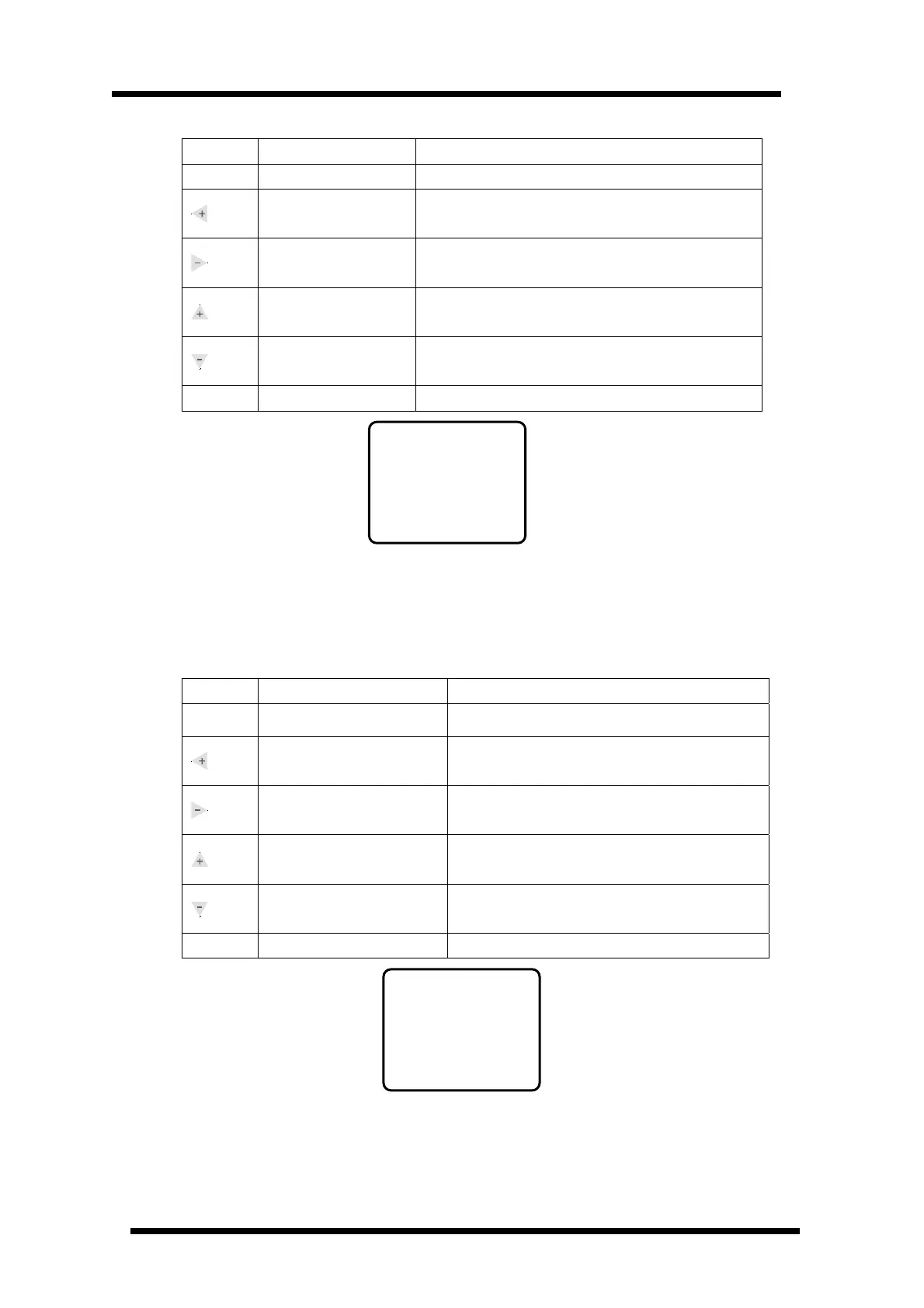
Button Function Description
Menu
Menu Switch
Press once ,entering into Set Test status
Increase Yp Scale
If the actual cutting scale is smaller than the image size
from Y position, press this button will increase the size.
Decrease Yp Scale
If the actual cutting scale is larger than the image size
from Y position, press this button will decrease the size
Increase Xp Scale
If actual cutting size is smaller than the image size, press
this button will increase the size.
Decrease Xp Scale
If actual cutting size is larger than the image size, press
this button will decrease the size.
Online
Online/offline Press once ,entering into online status
Set Per menu default interface
Xp and Yp refer to cutting scale. The purpose is to set the scale from PC and output file into 1:1
(If there’s any error between the actual output and the software setting, please adjust Xp and Yp.
The default values are Xp=0, YP=o)
※ Under Set TEST menu , keyboard function definition ※
Button Function definition
Menu
Menu Swithch
Press once ,entering into Null Spd status
Increase the repeating
times of self image
Press once, increase one time of self test
Decrease the repeating
times of self image
Press once, decrease one time of self test
Swithch self test image
Swithch self test image 0 (small self test image) and
self test image 1 (big self test image)
Swithch self test image
Swithch self test image 0 (small self test image) and
self test image 1 (big self test image)
Online
Online/offline Press once, entering into online mode
Set TEST menu default interface
Set Per
Xp=+000
Yp=+000
Set Test
Sel: 0
Rep:001



 To Next Page