GENERAL OPERATIONS
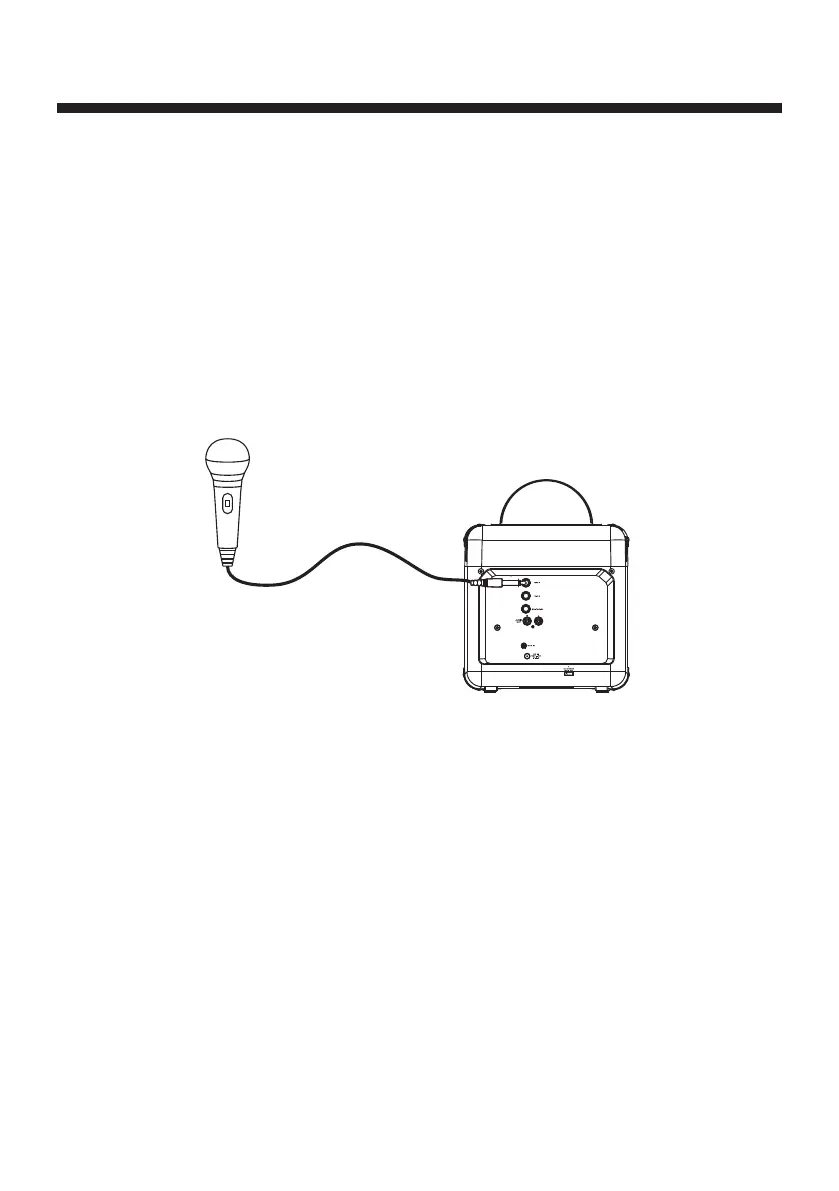
Mic Connecon
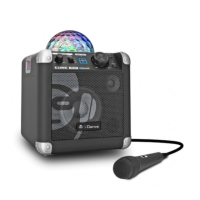
Plug the microphone into the MIC1 or MIC2 jack on the rear side of your unit. Their output is
mixed with playback from BLUETOOTH, USB PLAYER or AUX IN.
On the microphone, there is an ON/OFF switch. Ensure that you set the switch to ON posion
during the usage.
The volume of microphone can be adjusted by the MIC VOLUME knob on the rear side of the
unit together with the speaker volume at the same me. (There is no independent micro-
phone volume control)
You can start to sing-along with the music playback.
1.
2.
3.
4.
E4






 To Next Page