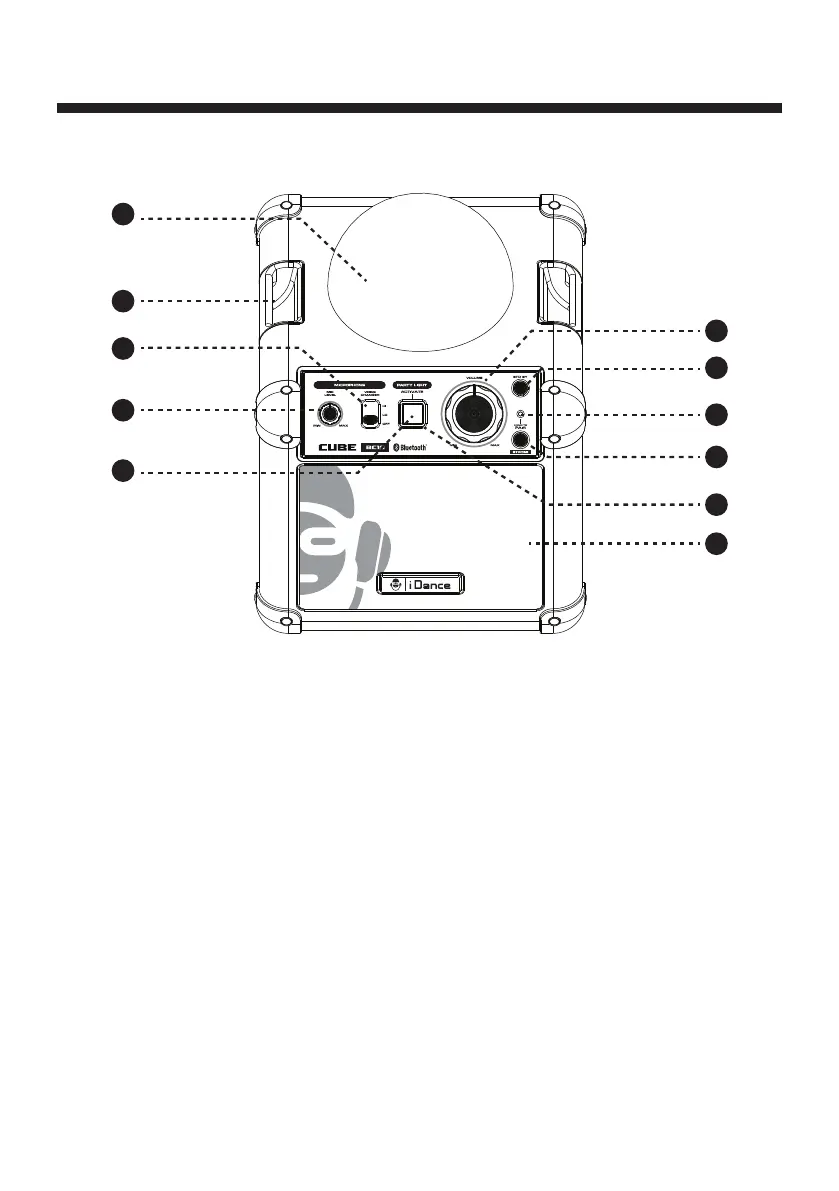
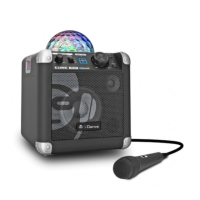
Light Cover Lens
BELT Clip
Voice Changer Selector
Select voice changing mode
MIC Level Control
Turn to adjust the MIC sound level up or down
Party Light Acvate
Press to turn on or off the light show
Volume Control
Turn to adjust up or down
STANDBY
Press to power the unit on or off
PAIRING Indicator
PAIRING
Press and hold to begin pairing a bluetooth device
Power Indicator
Main Speaker
1.
2.
3.
4.
5.
6.
7.
8.
9.
10.
11.
CONTROL LOCATION (1.1)
E1
1
2
3
6
7
8
9
10
11
4
5
FRONT Panel



 To Next Page