Need help?
Do you have a question about the idatastart HC and is the answer not in the manual?
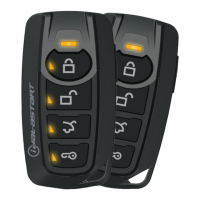
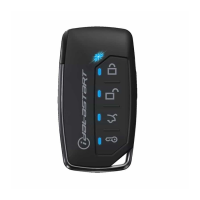
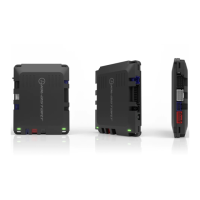
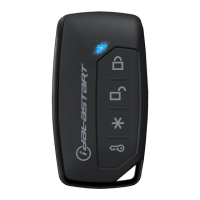
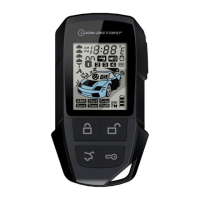
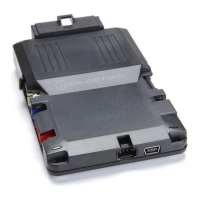
Lists all components included in the iDatastart HC kit, showing the HC module, remotes, cables, and accessories.
Details the wiring connections for the HC module, specifying pins and their functions for various connectors (M1, M2, M3, M4, M5).
Step-by-step guide on how to program the module for tachometer signal detection, ensuring correct engine RPM sensing.
Instructions on how to pair remote transmitters with the iDatastart HC module for remote start and control functionality.
Explains how to activate and exit Valet Mode, which disables remote start functionality while keeping other features active.
Details accessories that can be connected to the iDatastart HC module, such as Weblink Cable, Weblink Mobile, and Telematic Kit.
Describes the web-programmable menus for configuring the iDatastart HC module, including remote starter, doorlock, and security options.
Provides information on LED status indicators and diagnostic codes for troubleshooting module behavior during programming and operation.
Lists error codes and their meanings, indicated by parking light flashes, to help diagnose issues with remote starter operation.
Step-by-step instructions to reset the iDatastart HC module's vehicle programming back to its default state.
 General
| Brand | idatastart |
|---|---|
| Model | HC |
| Category | Remote Starter |
| Language | English |

 To Next Page