- 20 -
IDEAL 4855 • IDEAL 5255 • IDEAL 6655
T
Memory
MANUAL
3
--.----.----.----.--
17.
T
Memory
3
--.-- --.-- --.-- --.--
3 و 4 Memory ةجمرب
W Memory
4 .( 3)
.
X
.
! ريذحت X
. )
.
K
30
.
L
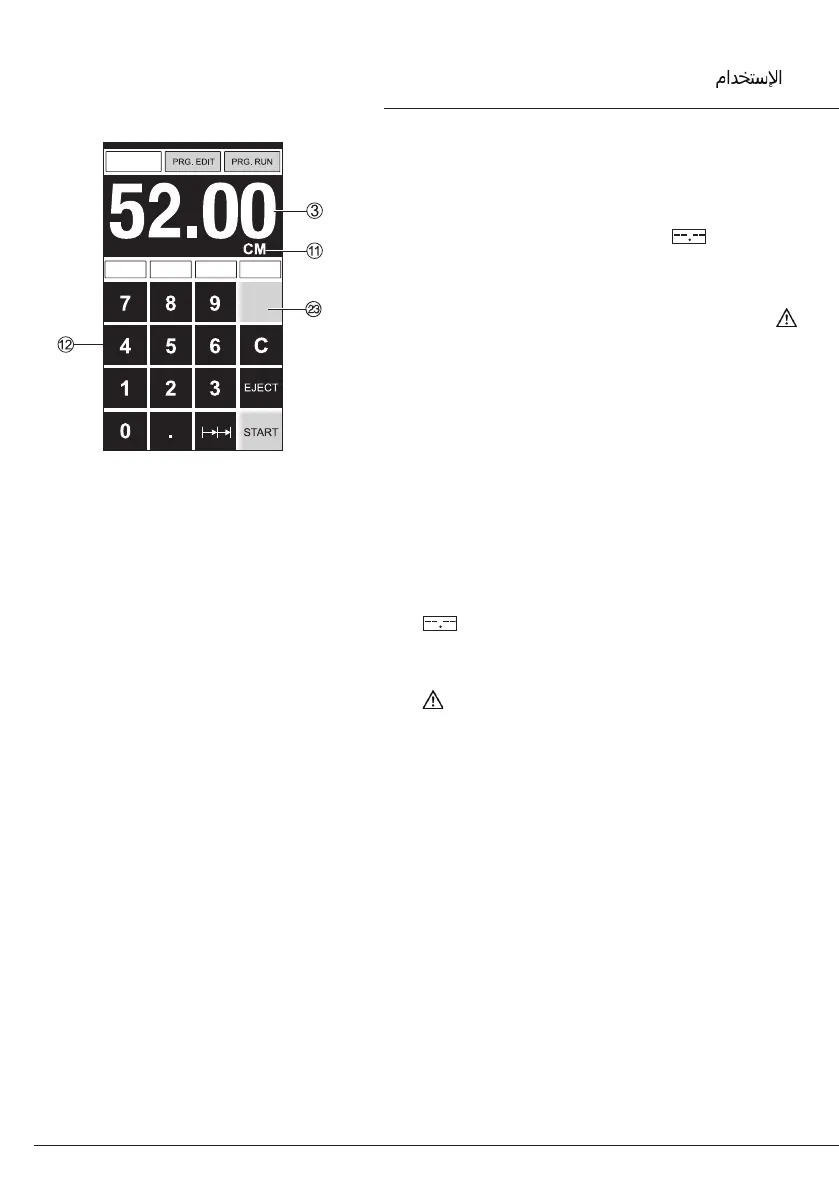
How to program Memory 3 and 4
Press the memory button
W
to enter the
memory platform (3 or 4). Enter the required
measurements or overwrite them. Press the
button and keep it pressed until
an acoustic signal sounds, the
measurements have been saved now.
Warning!
Before storing or cutting a measurement
please check if the correct measurement scale
(cm or inch) see above is stored.
For information on how to store see picture
above left.
Is shown on the screen see
K
.
After 30 minutes the screen switches to
energy-saving mode.
The screen is reactivated by touching the
keypad area
L
.
•
Operation
•
•



 To Next Page