- 32 -
IDEAL 4855 • IDEAL 5255 • IDEAL 6655
•
Operation
•
•
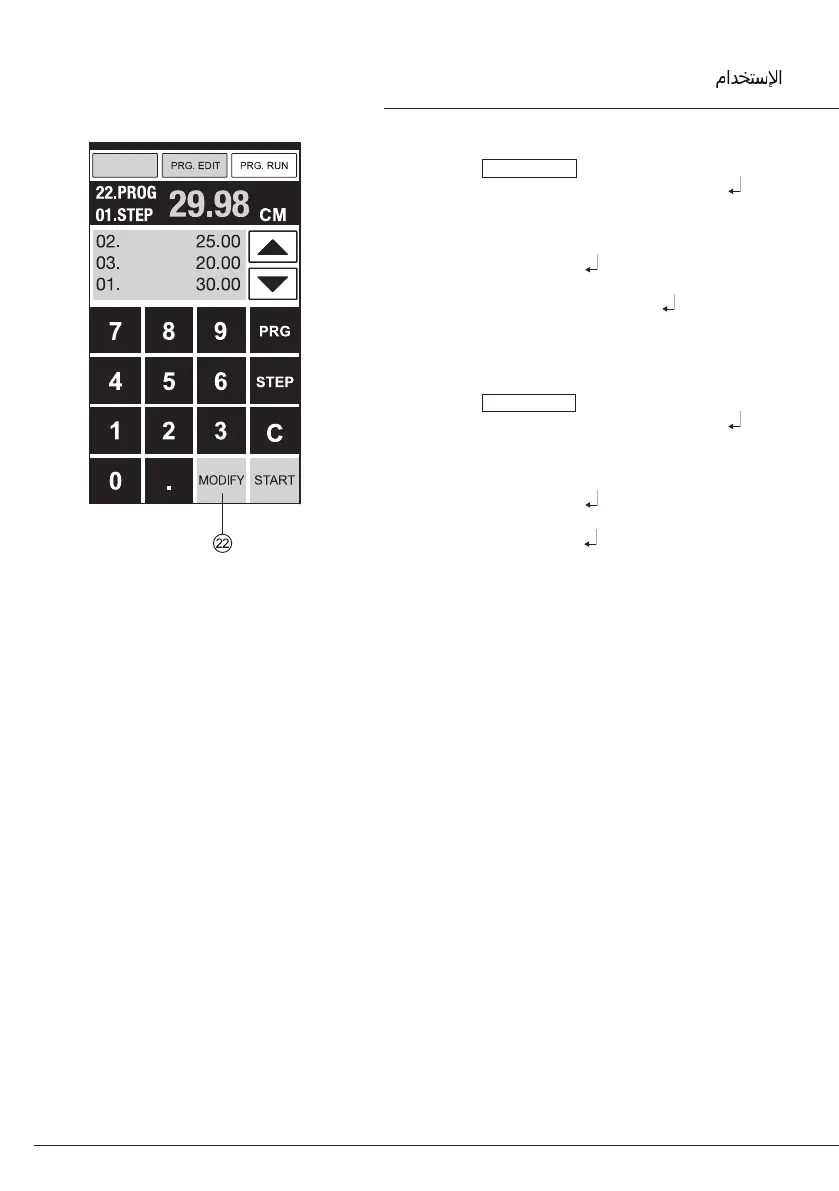
Insert a step
• Press PRG. EDIT .
• Select a program, conrm with Enter .
• Scroll with STEP until "Insert step no."
appears.
• Enter insert position e.g. 02.
• Conrm with Enter .
• Enter a measurement.
• Store the measurement with .
• The cutting position can be shown on the
screen with the arrow keys
b and j.
Changing a program step
• Press PRG. EDIT
• Select a program, conrm with Enter
• Scroll with STEP until "Load step no."
appears.
• Enter step position e.g. 03.
• Conrm with Enter .
• Enter a new measurement, store the
measurement with
.



 To Next Page