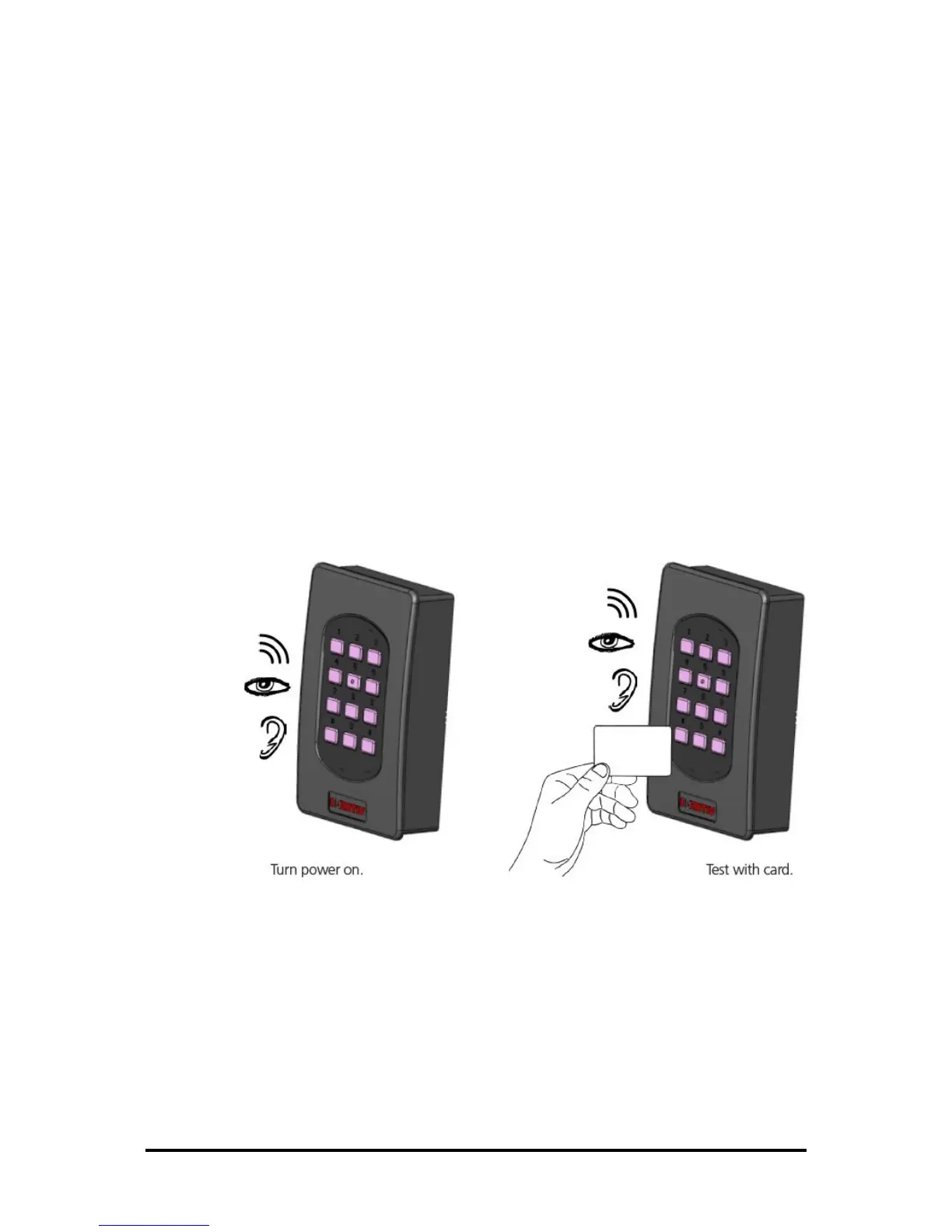
7.0 Power up and Testing
1 Turn power on
The LED blinks 3 times green with a long beep, then turns red
2 Present a card
The LED blinks green, and a short Beep is emitted
3 Press Key
Buzzer tone & backlight LED blinks
4 RJ45 Ethernet cable
Reader can be powered from POE. Communication happens through Ethernet also.
5 Wiegand / RS485
Communication to the Panel is done through Wiegand / RS485 / OSDP.
This is the default reader behavior.



 To Next Page