10BaseT ETH – Not evaluated by UL
4.0 Specifications
Wiring methods shall be in accordance with the National Electrical Code (ANSI/NFPA70), local codes,
and the authorities having jurisdiction.
8336
12 VDC
Typ: 270 mA
Max: 300 mA
0 to +49C
• Class 2 listed power supply with 12VDC to be used to power the reader
• POE sourcing equipment shall be UL Listed. Eg ALTRONIX NetWay8M
• When the readers use POE as a power source, the power input wiring from the control unit
(i.e. Red and Black for 8336) shall be disconnected
• The maximum length of the Ethernet cable when using POE as the power source in UL
installations is limited to 30 meters (98.5 feet)
4.1 Rated current - PoE operating voltage range
The data in the table above for the current ratings at various voltages are based on lab measurements
and not validated by UL
5.0 Power up and Testing
1 Turn power on
The LED blinks 3 times green with a long beep, then turns Blue
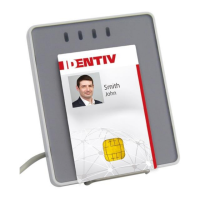
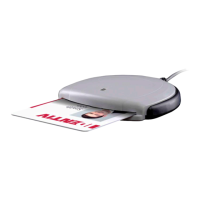
2 Insert a Contact Smart Card in the Contact Slot.
Scrambling display comes up with buzzer tone. LED glows Orange.
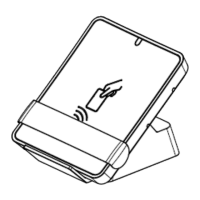
3 Flash a Contactless card on the reader face
The LED glows Orange and turns to blue when the card is removed.
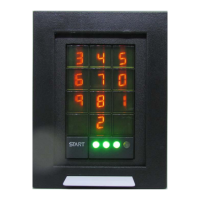
4 Press Start Key
Scrambling display with buzzer tone & displays scrambled key
5 Wiegand / RS485
Communication to the Panel is done through Wiegand / RS485.
6 RJ45 Ethernet cable


 To Next Page