Need help?
Do you have a question about the Identiv uTrust TS and is the answer not in the manual?
Details the smart card reader's capabilities and credential types supported.
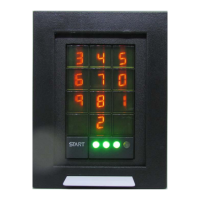
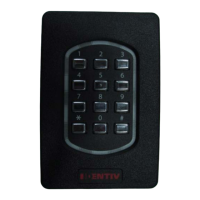
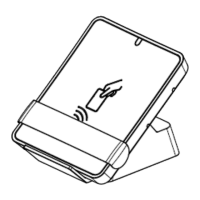
Illustrates the external design and keypad layout of the reader.
Shows the rear of the reader, highlighting connection points.
Provides the FCC certification identifier for the device.
Provides the Industry Canada certification identifier for the device.
Lists all components included with the reader for installation.
Specifies cabling and power supply requirements for installation.
Details the reader's connectors and pin assignments for wiring.
Provides instructions and diagrams for physically installing the reader.
Details the device's compliance with FCC rules and regulations.
Details the device's compliance with Innovation, Science and Economic Development Canada.
Declares the device's compliance with essential requirements of Directive 1999/5/EC.
 General
| Form Factor | Desktop |
|---|---|
| Operating System Compatibility | Windows, macOS, Linux |
| Power Supply | USB bus-powered |
| Supported Standards | PC/SC, CCID |
| Compliance | RoHS |
| Interface | USB 2.0 |
| Supported Card Types | Contact smart cards (ISO 7816), contactless smart cards (ISO 14443 A/B) |


 To Next Page