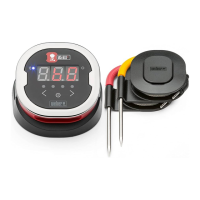
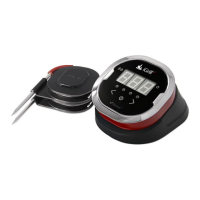
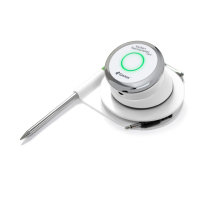
Need help?
Do you have a question about the iDevices IGRILL MINI and is the answer not in the manual?
Details on the iDevices Connected app, its compatibility, and download instructions.
Explains the meaning of different Smart LED light combinations for status indication.
Describes how the device uses Bluetooth for proximity sensing and auto wake/sleep.
Guidance on setting up custom and preset temperature alarms for cooking.
Instructions on how to set up a cooking session using preset alarms for meats.
Steps to rename probes and select probe colors for easier identification.
How to use the timer tool to set up cooking timers and receive alerts.
Information about the Globe Tool for sharing cooking experiences with other users.
Explanation of the Graph Tool for viewing temperature progression during cooking.
Troubleshooting steps for when the iGrill mini fails to power on.
Steps to resolve pairing problems with iOS and Android smart devices.
Troubleshooting the iDevices Connected app on iPhone, iPad, and iPod touch.
Troubleshooting the iDevices Connected app on Android devices.
 General
| Temperature Range | -22°F to 572°F (-30°C to 300°C) |
|---|---|
| App Compatibility | iOS and Android |
| Probe Count | 1 |
| Wireless Range | 150 feet |
| Battery | CR2032 coin cell battery |
| App Support | iDevices Connected App |
| Waterproof | No |
| Connectivity | Bluetooth |
| Type | Bluetooth Meat Thermometer |
| Battery Life | 150 hours |


 To Next Page