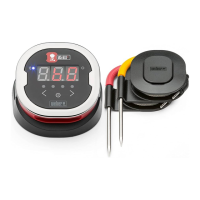
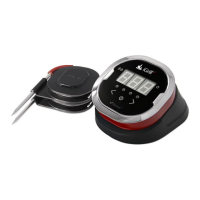
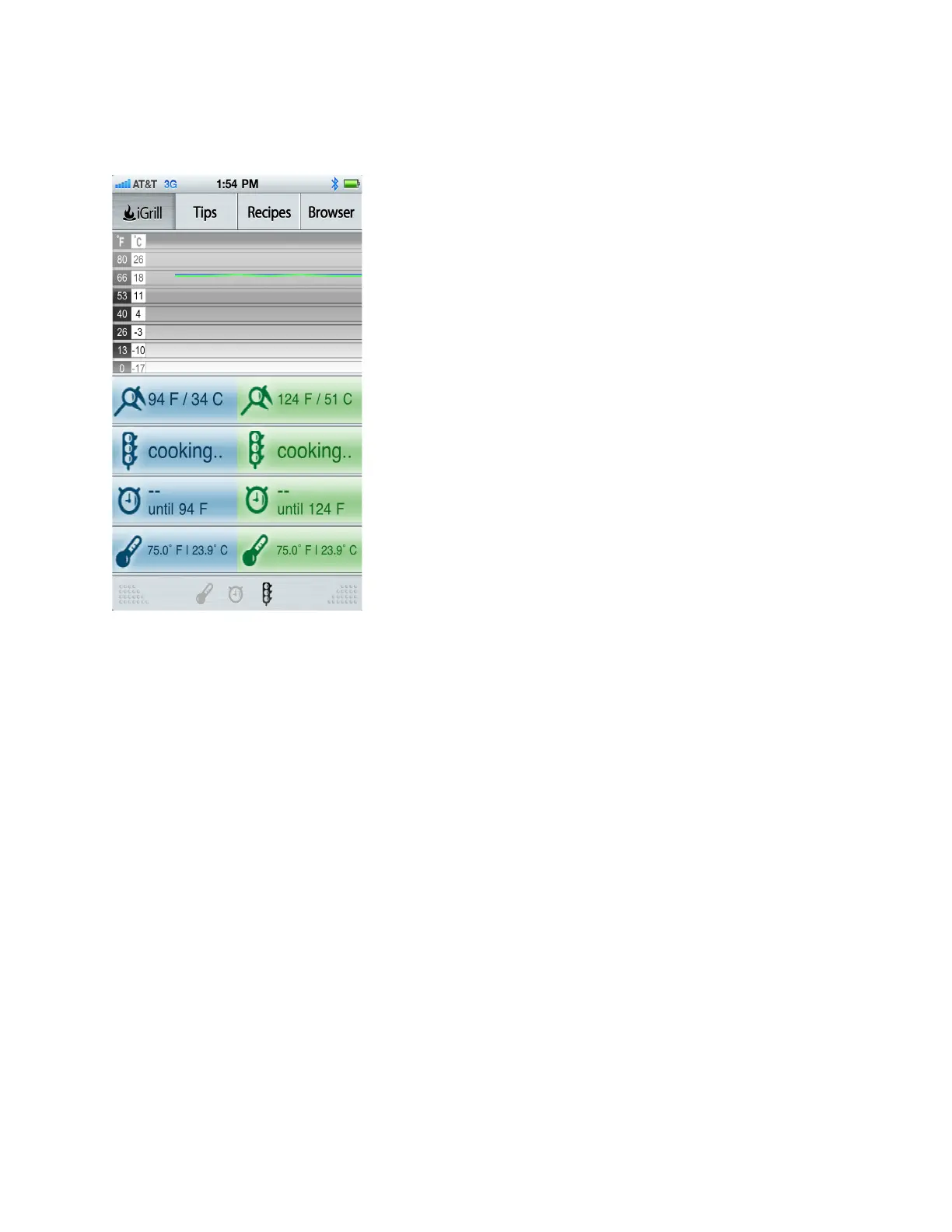
The following is SCREEN 3 but with 2 Probes connected. Again, Probe 1 is displayed in blue.
Probe 2 is displayed in green
If you select ʻTemperatureʼ, a pop-up screen will appear, allowing you to select which meat(s)
you are cooking with the option of “Custom Temp” if desired.
REMEMBER: There are 2 alarms on the iGrill device itself, which (once set on the iGrill) will
relay back to the App on your Apple device. If you choose to set your temperature inside the
App, it will be translated to your iGrill and the alarm will sound when ready.


 To Next Page
 Loading...